 MuseGen
Audio Mastering Online: 7 Mistakes to Avoid for Loudness
MuseGen Team
5/1/2026
You're about to upload your track, you want it loud, and an audio mastering online tool is staring back with a "Make it punchy" preset. I've been there - late-night exports, quick A/B checks, and that sinking feeling when the "louder" version sounds smaller on Spotify. The good news: most loudness problems come from a handful of repeatable mistakes. Fix these, and audio mastering online becomes fast, consistent, and release-ready.
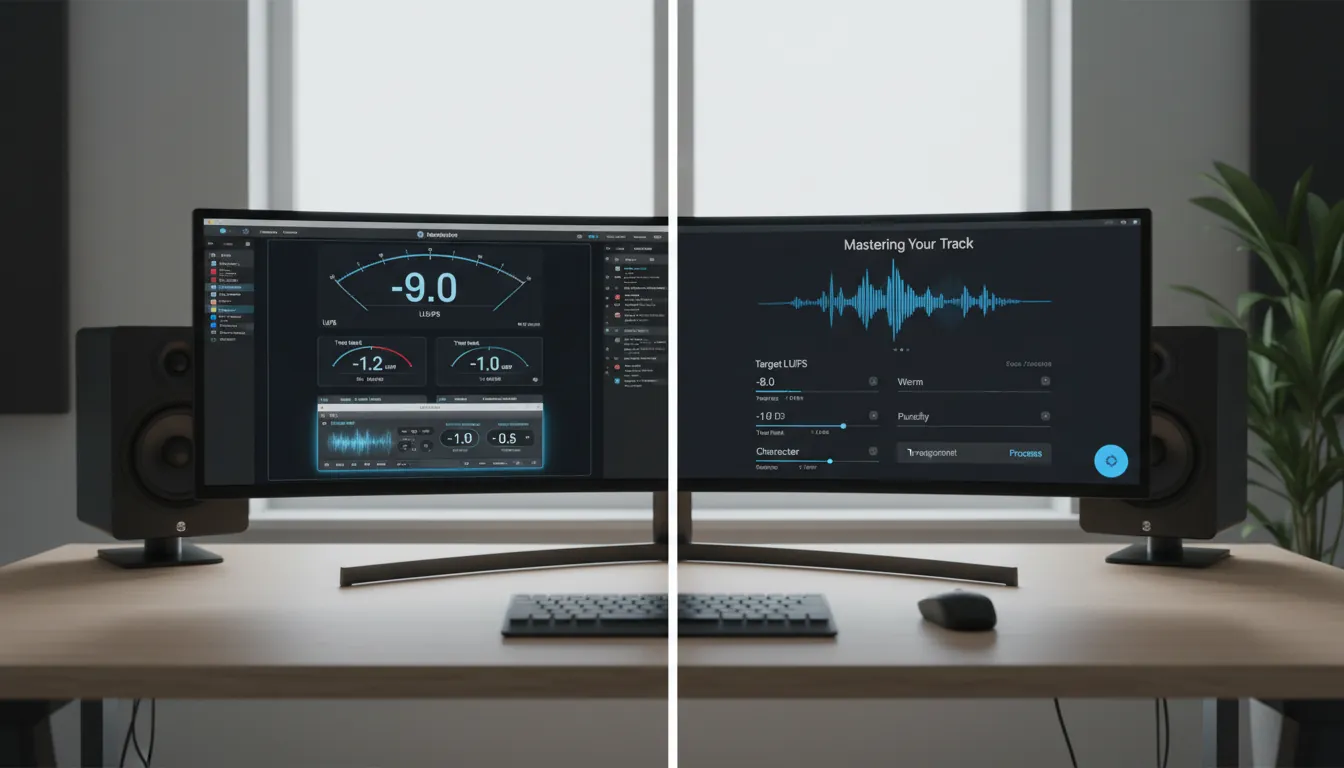
Why loudness is tricky in audio mastering online (LUFS vs True Peak)
In modern audio mastering online, you're mastering for normalization, not just raw volume. Streaming platforms turn tracks up or down to a target loudness, commonly around -14 LUFS integrated (varies by service), so "louder" masters often get turned down anyway. Meanwhile, True Peak (dBTP) catches inter-sample peaks that can clip after encoding/transcoding - even if your sample peak meter looks safe.
Practical takeaway: chase clarity + controlled peaks, not just max level. A master that stays under about -1.0 dBTP and lands in a sensible LUFS range usually translates better than an over-limited file. For deeper reading on true peak concepts, see True Peak 101 and Produce Like A Pro's true peak limiter explainer.
Quick streaming targets (use as guardrails, not handcuffs)
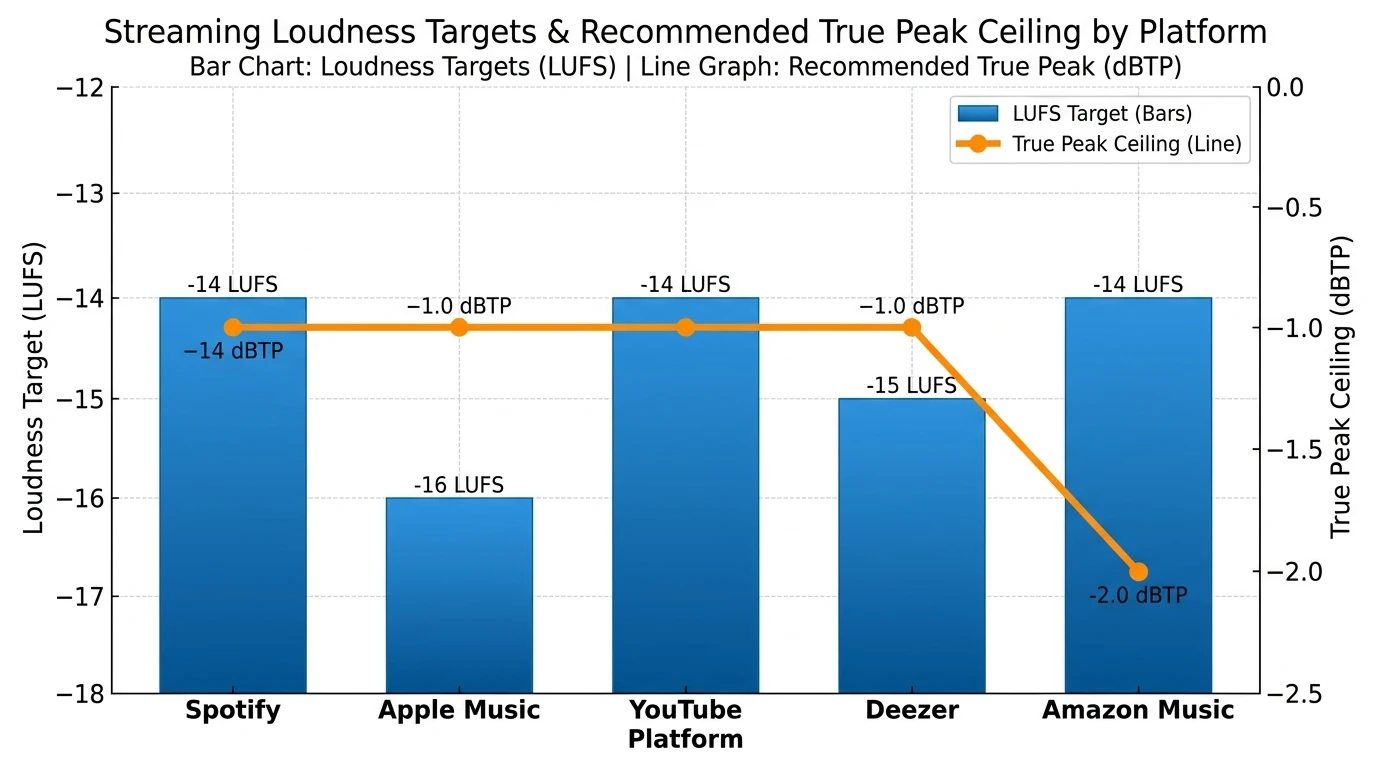
Different platforms normalize differently, so don't treat one number as law. Still, targets are useful guardrails when doing audio mastering online.
| Platform | Common Target (Integrated LUFS) | Safer Max True Peak | Notes |
|---|---|---|---|
| Spotify | -14 LUFS | -1.0 dBTP | Louder uploads are typically turned down |
| Apple Music | -16 LUFS | -1.0 dBTP | Often rewards dynamics |
| YouTube (music) | -14 LUFS | -1.0 dBTP | Consistent target for most content |
| Deezer | -15 LUFS | -1.0 dBTP | Slightly quieter normalization |
| Amazon Music | -14 LUFS | -2.0 dBTP | More peak headroom is commonly recommended |
These ranges align with common guidance cited across mastering educators and platform discussions (and they change over time), so keep a loudness meter in your workflow. A helpful overview of normalization context is Mastering.com's streaming loudness guide and Elysia's mastering for streaming article.
The 7 loudness mistakes that sabotage audio mastering online (and how to fix them)
1) Mastering a mix with no headroom
If your mix is already slamming into a limiter, your audio mastering online results will be harsh, narrow, and unstable. In my own projects, the "mystery distortion" almost always traced back to a mix bus limiter I forgot to bypass.
Fix:
- Export your premaster with peaks around -6 dBFS (common, safe headroom).
- Remove loudness maximizers/limiters from the mix bus unless they're part of the sound.
- Keep your mix balanced first; mastering should be the final polish, not surgery.
2) Chasing LUFS while ignoring True Peak (dBTP)
A master can read "great" on LUFS and still crackle on phones after encoding. That's usually True Peak trouble - inter-sample peaks that happen after conversion or streaming transcodes.
Fix:
- Put a True Peak meter on the end of your chain.
- Set limiter ceiling to -1.0 dBTP as a common streaming-safe default (sometimes -2.0 dBTP for extra safety).
- If your service or genre demands hotter levels, test carefully and still monitor dBTP.
Related reading: Mastering.com on True Peak metering explains why peak headroom matters even when your DAW shows no clipping.
3) Putting anything after your limiter
This is a classic audio mastering online fail: limiter last, then you add a "tiny" EQ, saturator, stereo widener, or gain trim after it. That post-limiter change can create new peaks and clip.
Fix:
- Order your chain like this (typical):
- Corrective EQ (subtle)
- Compression (light) / dynamic EQ (if needed)
- Tone shaping (optional)
- Limiter (last)
- If you must add something after the limiter, re-check True Peak and potentially add a final safety limiter (but prefer not to).
4) Over-limiting (too much gain reduction)
More limiting often makes the track feel smaller: transients blur, low end collapses, cymbals get "spitty," and the groove loses bounce. I usually hear trouble when sustained gain reduction gets aggressive - especially in choruses.
Fix:
- Aim for ~2-4 dB of gain reduction on the loudest sections as a common starting point (not a rule).
- If you need more loudness, solve it upstream: arrangement cleanup, low-end control, gentle compression, or dynamic EQ - not just more brickwall.
Limiter setup references: Waves limiter tips and iZotope's limiter intro.
5) Wrong limiter release -> pumping or fuzz
Release time can make or break perceived loudness. Too fast can add gritty distortion; too slow can pump and flatten impact.
Fix:
- Loop the loudest section (usually last chorus/drop).
- Increase input/threshold until you clearly hear limiting, then adjust release until pumping/distortion disappears.
- If your limiter has Auto Release, try it - but still verify by ear.
6) Over-compressing the master to "make it loud"
Compression can raise average level, but it also can erase dynamics and front-to-back depth. In audio mastering online, this often shows up as a constant, fatiguing wall of sound - loud for 15 seconds, exhausting for 3 minutes.
Fix:
- Use compression with a purpose:
- Control macro dynamics (gentle bus compression)
- Add glue (small ratios, modest gain reduction)
- Shape transients (careful attack/release choices)
- If you can't explain what the compressor is improving, bypass it.
A solid overview of why over-compression backfires is covered in mastering mistake roundups like Mixing Monster's mastering mistakes and compression principles from iZotope.
7) Not checking translation (and relying on one monitoring path)
An online master can sound great on studio headphones and fall apart on earbuds, laptops, cars, or a phone speaker. Loudness decisions exaggerate translation problems - especially harsh upper mids and bloated sub.
Fix:
- Do fast translation checks:
- Earbuds (harshness check)
- Phone speaker (midrange balance)
- Car (low-end control)
- Level-match your A/B comparisons; louder almost always "wins" unless you match loudness.
A simple audio mastering online workflow you can repeat (10-15 minutes)
- Prep the premaster
- Export WAV (24-bit or 32-bit float), no limiter on the mix bus, peaks around -6 dBFS.
- Meter first
- Insert LUFS meter + True Peak meter; listen to the loudest section.
- Do tiny fixes
- Subtle EQ moves; dynamic EQ only if a band is clearly jumping out.
- Limit last
- Ceiling: -1.0 dBTP (start here)
- Push until it feels exciting, then back off until it feels easy to listen to.
- Check integrated LUFS + True Peak
- Confirm you're not exceeding your peak target.
- Export + sanity checks
- Listen on 2-3 devices, and confirm no clipping on playback.
No relevant video found: audio mastering online LUFS True Peak limiter ceiling -1 dBTP tutorial
Where MuseGen fits: fast, stem-ready loudness without guesswork
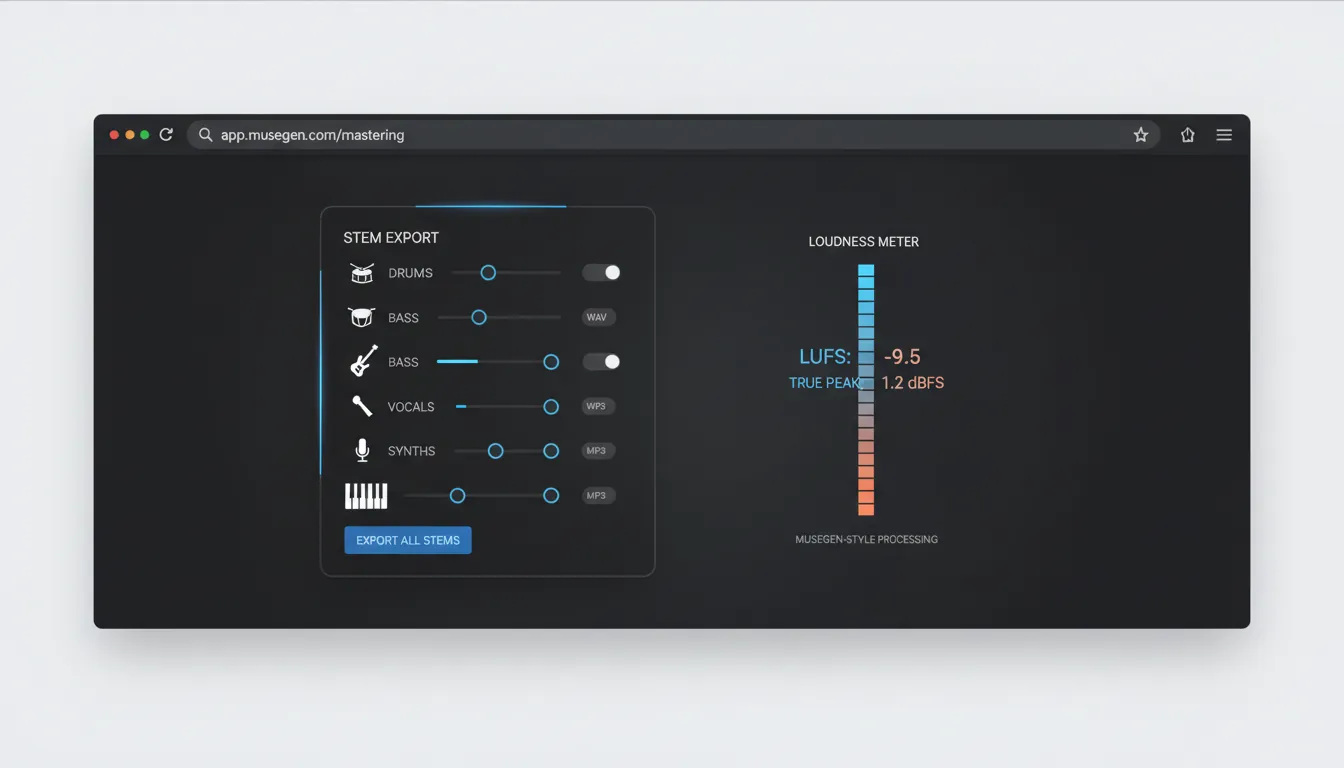
If you're generating tracks quickly (or iterating on many versions), audio mastering online needs to be repeatable. MuseGen's workflow is built for modern production velocity: generate ideas fast, then refine with exportable assets that mastering workflows actually like.
In practice, what I found most useful is working from stems when a master is fighting me - because many "loudness" issues are really arrangement masking or low-end conflicts, not mastering problems. With MuseGen you can:
- Generate tracks and export high-quality WAV stems for precise control.
- Make small stem-level adjustments (kick/bass/vocals) before the limiter.
- Iterate versions quickly, then choose the master that translates best.
To explore the broader production steps around this, see our internal guides on AI music generator workflow, exporting WAV stems for mixing, and smart mixing and mastering tips.
Conclusion: Loudness is a system, not a slider
When audio mastering online goes wrong, it's rarely because the tool is "bad" - it's because the chain, meters, and targets aren't aligned. Keep headroom, meter LUFS and True Peak, keep the limiter last, and avoid crushing dynamics just to win a loudness contest that streaming normalization already ended. If you want faster, more reliable results, start from clean premaster exports (or stems) so your limiter isn't trying to fix the mix.
FAQ: Audio mastering online loudness
1) What LUFS should I aim for when doing audio mastering online?
For most streaming releases, -14 LUFS integrated is a common reference point, with many masters landing roughly between -16 and -13 LUFS depending on genre and taste.
2) What should True Peak be for streaming?
A widely used safe ceiling is -1.0 dBTP. Some workflows use -2.0 dBTP for extra margin (especially if you expect heavy transcoding).
3) Why does my master clip on Spotify/YouTube even if it doesn't clip in my DAW?
Your DAW may show only sample peaks. After encoding or D/A reconstruction, inter-sample peaks can exceed 0 dBFS. A True Peak meter/limiter catches this.
4) Should I use a True Peak limiter every time?
Often yes for safety, especially for streaming deliverables. Some engineers prefer not to and instead lower the ceiling further; either way, measure True Peak and avoid overs.
5) How much limiting is too much?
If you hear pumping, smeared transients, brittle cymbals, or the low end "folding," you're likely pushing too far. As a starting point, keep gain reduction moderate (often a few dB).
6) Can I master louder than -14 LUFS for EDM or hip-hop?
Yes, many loud genres push hotter (e.g., around -10 to -9 LUFS), but streaming will turn it down - so you're trading dynamics for density. Always check True Peak and translation.
7) What file format should I upload after audio mastering online?
Typically WAV (24-bit) is safest. If you must deliver MP3/AAC, check for artifacts and ensure your True Peak ceiling has enough margin.