 MuseGen
Canva Lyric Generator FAQ: Features, Limits, Best Uses
MuseGen Team
5/2/2026
You're staring at a blank page, the melody's in your head, and the hook won't land. That's exactly where a Canva lyric generator can help: it turns a short prompt into draft lyrics fast, right inside Canva Docs. The real win isn't "perfect lyrics in one click" - it's momentum, structure, and fresh angles when you're stuck.
What is Canva Lyric Generator (and where is it in Canva)?
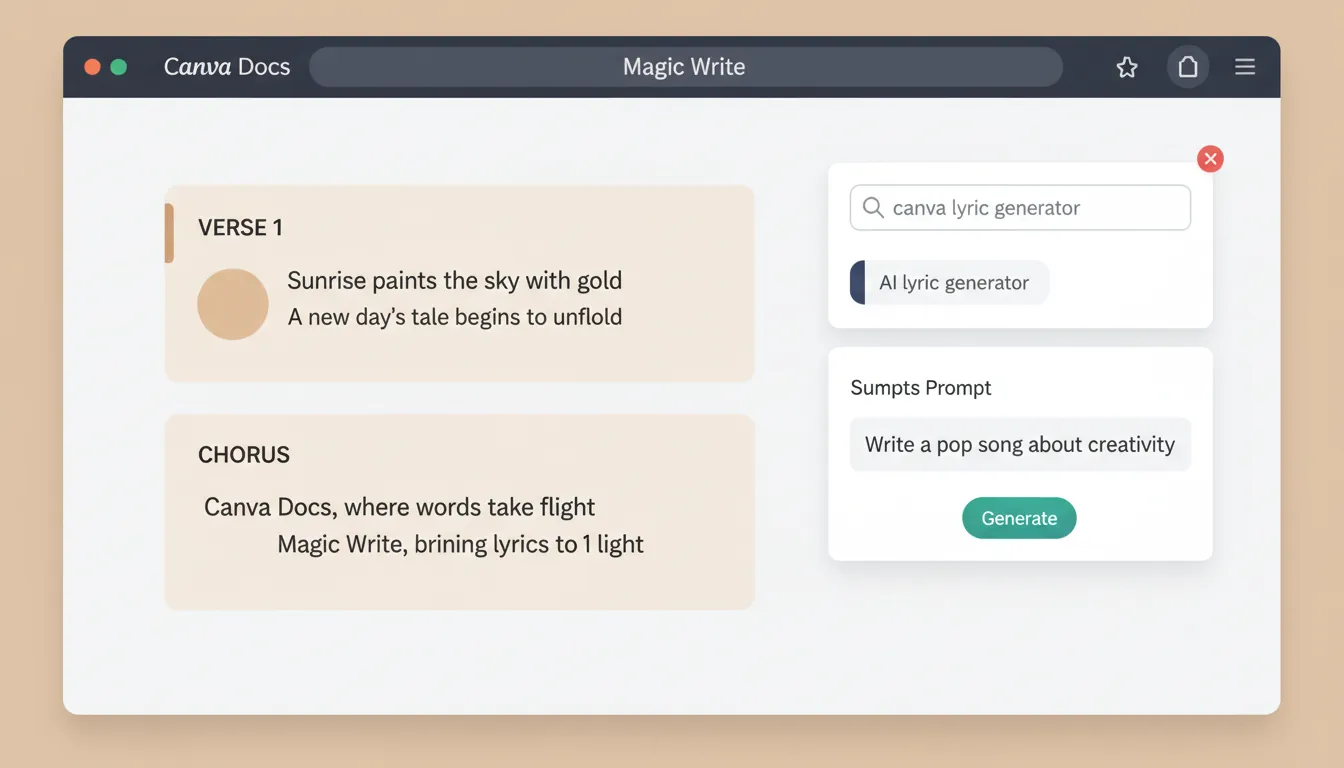
The Canva lyric generator is part of Magic Write™ inside Canva Docs. You describe your song idea in a prompt (Canva notes 200 words or less) and Magic Write generates lyric text you can edit, remix, and format like any other doc content. Canva positions it as an AI-assisted writing tool for verses, hooks, choruses, and full-song drafts.
To confirm where it lives and how Canva describes it, see Canva's official pages: AI Song Lyric Generator | Canva and the Canva Docs overview.
How to use Canva lyric generator (step-by-step)
In practice, the flow is simple - and the output quality depends heavily on your prompt.
- Open Canva Docs
- From Canva home, go to Docs and start a blank doc or open an existing one.
- Launch Magic Write™
- Use the Canva Assistant button, type /, or tap + and choose Magic Write.
- Write a tight prompt (≤ 200 words)
- Include theme, genre, POV, mood, tempo energy, and structure (verse/chorus/bridge).
- Generate + iterate
- Generate, then refine the prompt for alternate takes.
- Edit like a songwriter
- Tighten syllables, add internal rhymes, replace cliches, and align phrasing to melody.
If you're also trying to auto-generate text elements in designs (like captions), Canva's "Dynamic Text" tools are a separate workflow - useful for video/social layouts, not lyric drafting.
Best prompt patterns (that actually improve lyric drafts)
I've tested lyric tools across quick social projects and more "serious" demos; the difference-maker is constraints. The Canva lyric generator tends to produce cleaner results when you tell it exactly what to do.
Use this checklist in your prompt:
- Genre + era reference (not "copy X artist," but "2000s pop-rock energy")
- Story frame (breakup in a small town, post-win celebration, etc.)
- Point of view (first person vs. third person)
- Structure (Verse 1 / Pre / Chorus / Verse 2 / Bridge / Final Chorus)
- Rhyme + syllable guidance (simple AABB or ABAB; short lines for faster flow)
- Imagery rules (3 concrete objects, 1 recurring metaphor, avoid abstract filler)
Example prompt (safe and practical):
- "Write upbeat indie-pop lyrics about starting over after a hard year. First-person POV. Structure: V1, Pre, Chorus, V2, Bridge, Final Chorus. Chorus must include the phrase 'new light' and a simple singable rhyme. Keep lines short (6-9 syllables) and avoid cliché phrases like 'broken heart' or 'tear-stained.'"
Features you get with Canva lyric generator (Magic Write)
Beyond lyric generation, Magic Write is designed as a writing toolkit inside Canva Docs. Key capabilities commonly used alongside lyrics include:
- Expand writing when you have a half-finished verse
- Paraphrase to create alternate lines without changing meaning
- Edit content (grammar/typo cleanup)
- Summarize (useful for turning a long concept note into a concise theme statement)
For rap-specific workflows, Canva also highlights features like Add new voice (providing a writing sample so the tool can better match a tone) on its rap generator page: AI Rap Generator | Canva.
Limits and restrictions: what Canva actually enforces
The two limits people run into most are prompt constraints and usage limits.
- Prompt length: Canva states prompts are 200 words or less for its lyric/rap generators.
- Free vs paid usage: Canva says the lyric generator is free to try, but Free accounts get limited uses, while Pro/Teams/Education/Nonprofits get more access.
- AI usage limits can change: Canva's AI Product Terms explain that AI Usage Limits may be operational, rate-limited, and adjusted over time for fairness/performance. See Canva AI Product Terms.
- Non-exclusive outputs: Canva warns you may not have exclusive rights to AI-generated text, meaning others might generate similar lyrics.
- Commercial use caution: Canva advises seeking legal advice for commercial use and does not guarantee the output is cleared (especially if it resembles existing works). This is spelled out on the lyric generator page: AI Song Lyric Generator | Canva.
Practical takeaway: A Canva lyric generator is great for drafting and ideation, but you should assume you must revise heavily to make lyrics original, specific, and legally safer.
Best uses: where Canva lyric generator shines (and where it doesn't)
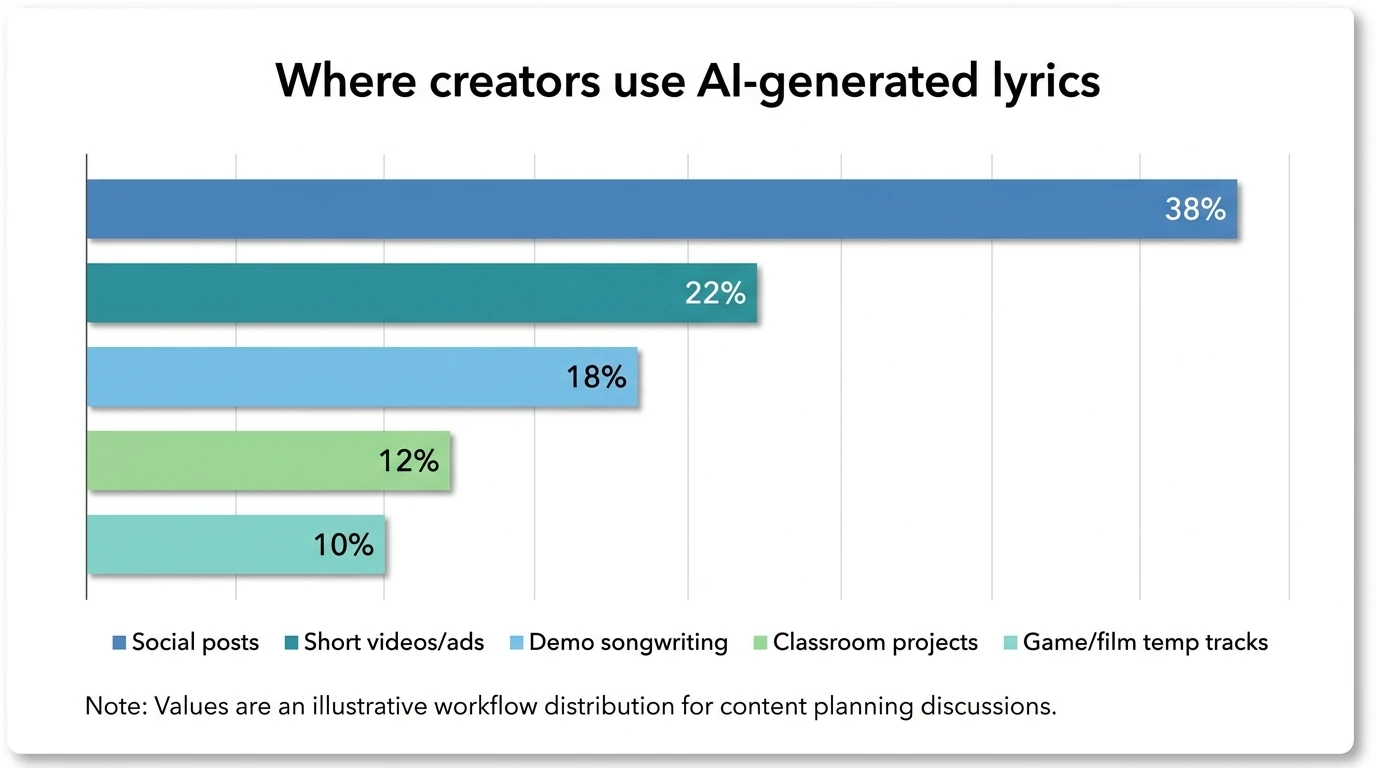
A Canva lyric generator is strongest when speed matters and you need words that match a visual/content workflow.
Best uses
- Social video drafts: quick hooks/choruses to pair with Reels/Shorts edits
- Brand or product jingles (draft stage): finding taglines, rhyme schemes, and rhythm
- Creative prompts for teams/classrooms: fast variation for brainstorming
- Lyric "starter clay": turning a concept into a structured V/C/B layout
Not ideal
- Final-release lyrics without rewrites: you'll likely get generic phrasing
- Distinct, personal storytelling: AI drafts often miss lived-in detail
- High-risk commercial releases without clearance steps and human authorship
For social production context, Sprout Social's Canva workflow advice is useful: How to Use Canva for Social Media.
Canva lyric generator vs dedicated music platforms (MuseGen included)
Canva generates lyrics text inside a doc. It does not aim to produce studio-ready audio stems, mixing, or full-track composition workflows. If your goal is to turn lyrics into an actual song quickly - instrumental, vocals, stems, export options - a music-first platform is usually a better fit.
Here's a clean comparison for decision-making:
| Need | Canva Lyric Generator (Magic Write) | MuseGen (AI Music Generator platform) |
|---|---|---|
| Generate lyric drafts from a prompt | Yes | Yes (AI Vocal & Lyrics Generator) |
| Create full music audio from text | Limited/indirect (Canva's focus is content/design; music features vary by product area) | Yes (text-to-music, multi-genre generation) |
| Edit individual stems (drums/bass/vocals) | No | Yes (stem-level editing workflows) |
| Export WAV stems / MIDI for DAWs | No | Yes (WAV stems + MIDI export) |
| Best for | Quick lyric ideation inside content creation | Studio-ready track creation + production pipeline |
| Risk control (uniqueness) | Requires heavy rewriting | Requires creative direction + editing, plus export for pro refinement |
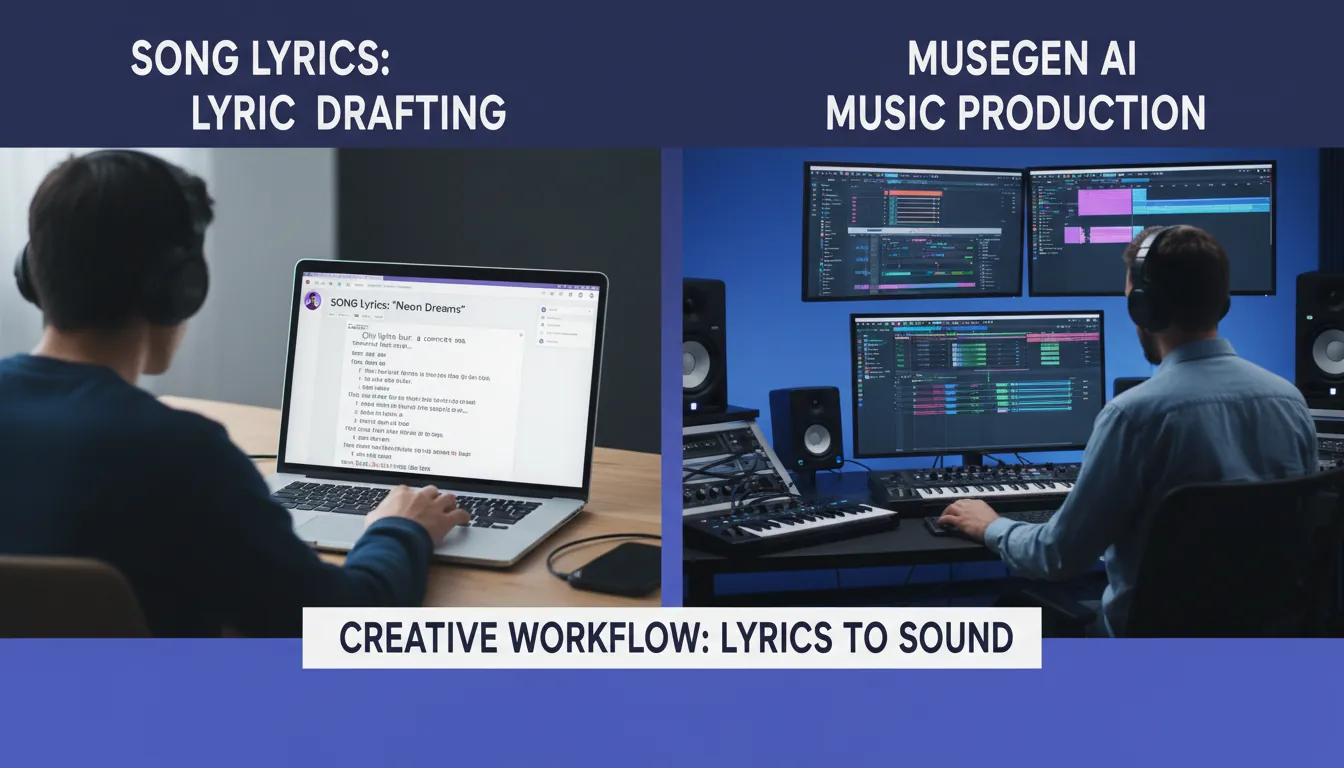
My real-world workflow tip: I often draft 3-5 lyric directions in a Canva lyric generator, pick the strongest hook, then move into a music tool (like MuseGen) to generate a matching instrumental and iterate with stems. That split keeps ideation fast while still giving you pro audio control.
Internal MuseGen links (recommended next steps):
- Explore the AI Music Generator for text-to-music creation.
- Use the AI Vocal & Lyrics Generator to develop vocals and lyric variations together.
- Try the One-Click MV Generator if you're packaging a lyric-based concept into a quick music video.
Is Canva AI music generator free? (Common confusion)
People often mix up "AI lyrics" and "AI music." Canva's lyric feature is free to try with limited uses on the Free plan, and more access on paid/eligible plans. For music generation inside Canva, availability and download rights can depend on the specific feature and plan - so treat Canva as a platform with multiple AI tools, each with its own limits.
If you need predictable "generate song -> download audio -> remix stems" behavior, that's typically clearer in a dedicated music-generation product (like MuseGen).
Ethics + legality: using AI lyrics responsibly
Ethically, AI can be a collaborator - but it can also flatten creativity if you publish unedited drafts. The most responsible approach is to use AI to spark options, then apply human judgment: lived experience, specificity, and intentional craft.
Legally, two practical cautions matter most:
- Copyright and ownership can be complex when work is entirely AI-generated; human contribution and jurisdiction matter.
- Similarity risk: even if unintentional, outputs can resemble existing lyrics. Canva explicitly recommends legal advice for commercial use and does not guarantee clearance.
When in doubt, treat AI output as a draft and document your rewrites (notes, versions, and recordings) to show meaningful human authorship.
Troubleshooting: when Canva lyric generator isn't working
If Magic Write feels stuck, missing, or flagging prompts, try:
- Refresh the browser/app, clear cache, or switch devices (Canva recommends these steps).
- Simplify the prompt and remove sensitive/copyrighted references if it's flagged.
- Check whether you hit an AI usage limit (it may pause until limits reset).
Helpful official guidance: Fix issues and improve results with Canva AI.
How To Use Canva AI New AI Content Writer Magic Write Text Generator (Easy Guide)
Conclusion: Should you use Canva lyric generator?
A Canva lyric generator is a strong, beginner-friendly way to get unstuck and draft structured lyrics quickly - especially if your end goal is a Canva-based design or social post. Its limits (200-word prompts, usage caps, and non-exclusive/clearance cautions) mean it works best as a drafting partner, not a final songwriter.
If you want to go from lyric concept to a studio-ready song fast, pair Canva's drafting speed with a music-first tool like MuseGen for full-track generation, stem editing, and exports.
FAQ: Canva Lyric Generator
1) Is Canva lyric generator free?
It's free to try. Canva Free accounts get a limited number of uses, while Pro/Teams/Education/Nonprofits typically get more access. Details are listed on Canva's lyric generator page.
2) Where do I find Canva lyric generator?
In Canva Docs via Magic Write™. Open a Doc, then use the Assistant button, the / shortcut, or the + menu to launch Magic Write.
3) What's the prompt limit for Canva lyric generator?
Canva states prompts should be 200 words or less for its lyric/rap generators.
4) Can I use Canva-generated lyrics commercially?
Canva indicates you can use outputs as long as you follow terms, but warns you may not have exclusive rights and recommends seeking legal advice for commercial use (no clearance guarantee).
5) Is it ethical to use AI for songwriting?
It can be, if you use it as an assistant and keep human intent in the final work. The ethical risk increases when creators publish unedited outputs, mimic living artists too closely, or remove credit/transparency.
6) Can Canva generate sounds/music too?
Canva has audio features and content workflows, but lyric generation is text-focused. If your goal is full music creation (instrumentals, vocals, stems, exports), a dedicated platform like MuseGen is usually more direct.
7) Which is better for creators: Canva or CapCut?
They solve different problems. Canva is strong for design systems, brand assets, and Docs-based creation; CapCut is optimized for fast video editing. Many creators draft text/visuals in Canva and edit final shorts in CapCut depending on the workflow.