 MuseGen
How a Lyrics Generator Works: From Prompt to Verse
MuseGen Team
4/29/2026
A lyrics generator is like a tireless co-writer: you bring the spark (a theme, mood, or story), and it turns that into verses, hooks, and a structure you can actually sing. If you've ever stared at a blank page thinking, "I know what I want to say - why can't I say it musically?", this is the exact gap modern AI lyric writers try to close. The interesting part isn't just that it writes fast - it's how it moves from a messy prompt to lines that rhyme, scan, and feel consistent. Let's walk through that "prompt to verse" pipeline in plain, professional terms.
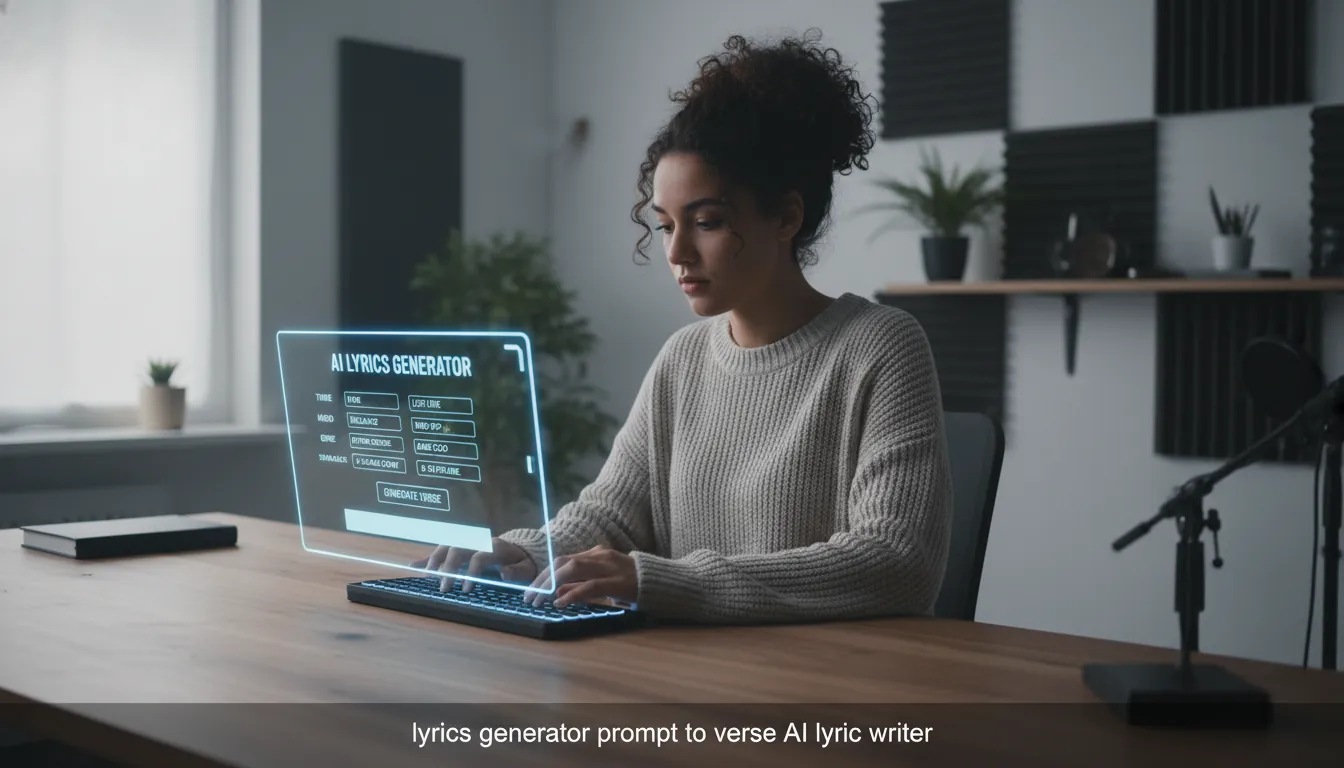
What "Lyrics Generator" Means (and What It Doesn't)
A lyrics generator is software - usually powered by machine learning - that creates draft lyrics based on your input. That input might be a short prompt ("nostalgic summer road trip"), a storyline, keywords, or even constraints like rhyme pattern and syllable count.
It's not magic, and it's not a guaranteed hit factory. In practice, it's best at:
- Speeding up ideation (hooks, rhyme lists, verse directions)
- Filling structure (verse/chorus/bridge frameworks)
- Offering variations (alternate lines, different moods, tighter cadence)
It's weakest when you ask it to replicate a specific living artist exactly or when you provide vague instructions and expect specificity.
Good baseline explainer: Canva's overview of AI lyric generation gives a clear "prompt in -> text out" framing and highlights how adding context improves results (Canva AI lyric generator).
Step-by-Step: From Prompt to Verse
Most modern lyrics generator tools follow a similar workflow (even if the UI looks different). The "three-step" approach - concept -> generate -> edit - is common in productized tools like OpenMusic and MusicGPT (OpenMusic AI Lyrics Generator, MusicGPT lyrics tutorial).
1) You Provide Intent (Prompt + Constraints)
Your prompt is more than a topic; it's a set of creative boundaries. The strongest prompts include:
- Theme/story: what happens, to whom, and why it matters
- Mood: bittersweet, defiant, euphoric, etc.
- Genre + era cues: pop-punk, indie folk, 90s R&B
- Structure: Verse-Chorus-Verse-Chorus-Bridge-Chorus
- Language/explicitness rules: clean lyrics, no slurs, avoid cliches
In MuseGen, I've found the fastest path to "usable" lyrics is to lock structure early and leave wording flexible. That prevents the classic AI failure mode: great lines that don't fit together as a song.
2) The Model Translates Your Text into Tokens
Under the hood, a lyrics generator doesn't "see" words the way humans do. It breaks text into units (tokens) and predicts what should come next based on patterns learned from training data.
Common building blocks include:
- Tokenization: splitting text into subwords/characters
- Embeddings: turning tokens into numeric vectors
- Sequence modeling: predicting the next token using a neural network (Transformers are common today; RNN/LSTM approaches appear in earlier systems)
If you want a classic deep-learning view (embedding -> LSTM -> dense layers), GeeksforGeeks outlines a straightforward training pipeline (Deep learning-based lyrics generator).
3) It Plans Structure (Implicitly or Explicitly)
"Song-like" writing requires repetition and section behavior:
- Choruses repeat (or nearly repeat)
- Verses progress the story
- Bridges change perspective or intensity
Research systems often add structure modules or planning signals. For example, academic work like AI-Lyricist uses syllable planning and discriminators to push outputs toward singable constraints and quality (AI-Lyricist paper PDF).
4) It Generates Candidate Drafts (Decoding)
Once the model starts generating, it must choose between many possible next words. This selection strategy (decoding) shapes style:
- More conservative decoding -> safer, more generic lyrics
- More exploratory decoding -> fresher lines, higher risk of weirdness
Many tools generate multiple candidates and either show you options or pick the "best" internally.
5) Post-Processing: Rhymes, Syllables, Safety, and Clean-Up
This is where a lyrics generator becomes usable for music production:
- Rhyme/near-rhyme checks (especially for rap/EDM toplines)
- Syllable smoothing so lines fit a bar
- Repetition control to reduce looping phrases
- Policy filters to avoid disallowed content
In practice, this layer is why two tools using similar language models can feel very different.
A Practical Mental Model: The Lyrics Generator Pipeline
Think of the whole system as a pipeline with feedback loops:
- Prompt parsing (extract mood, genre, story beats)
- Structure template (verse/chorus/bridge and constraints)
- Generation (model produces multiple lyric drafts)
- Scoring (coherence, rhyme density, syllable fit, novelty)
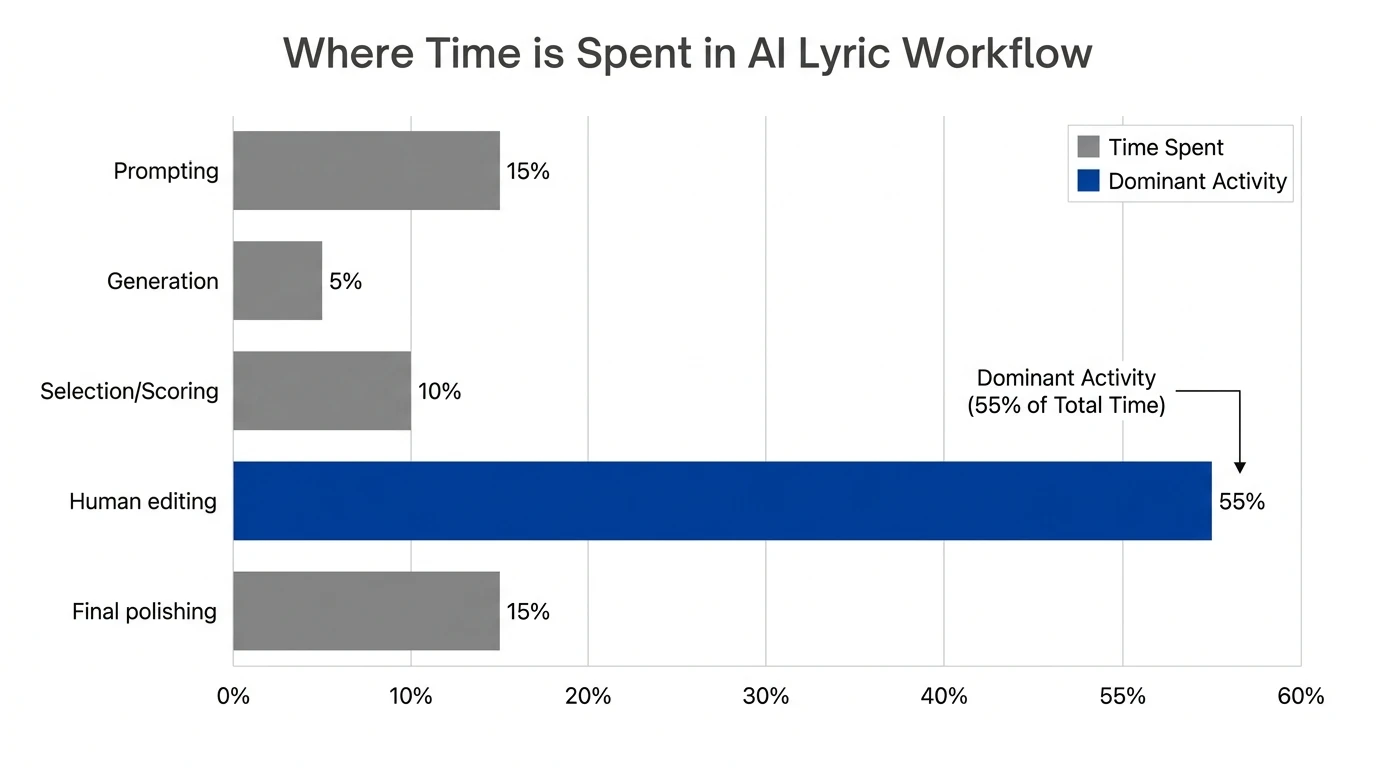
- Editing loop (you tweak, regenerate sections, refine)
Comparison: Different Outputs You Can Ask a Lyrics Generator For
A common misconception is that you must request "a full song" every time. You'll usually get better results by generating components.
| Output type | Best for | Typical prompt add-ons | Common failure | | ------------------ | ----------------------------- | ------------------------------------ | -------------------------------- | | Hook/chorus ideas | Catchy central phrase | "8 lines, repeatable, simple vowels" | Too generic or slogan-like | | Verse 1 drafts | Establish story and imagery | "Introduce setting + conflict" | Wandering, no narrative movement | | Verse 2 variations | Emotional shift or escalation | "More intensity, higher stakes" | Repeats Verse 1 with synonyms | | Bridge | Perspective change | "New metaphor, shorter lines" | Random left turn | | Rhyme lists | Fast writing aid | "Near-rhymes for 'fire'" | Unusable forced rhymes | | Rewrite in a style | Tone-matching without cloning | "More conversational, less poetic" | Overdoes stereotypes |
Why Lyrics Generators Sometimes Sound "AI-ish" (and How to Fix It)
The "AI-ish" feel usually comes from predictable patterns: safe metaphors, repeated phrasing, and vague emotion words. I've tested this across multiple lyric writer workflows, and the fix is almost always better constraints, not longer prompts.
Try these prompt upgrades:
- Add a "DO NOT USE" list (ban cliches and filler phrases)
- Force concrete imagery (place, object, sensory detail)
- Specify section jobs (Verse 1 sets scene; Chorus states thesis)
- Demand internal rhyme or assonance for rhythmic energy
If you want a prompt-engineering mindset, research on prompting approaches (including "well-engineered prompting" vs heavy fine-tuning) supports the idea that prompt construction can dramatically shift lyric quality (GPT-2 prompting techniques PDF).
SUNO AI PROMPTING: GUIDE To Memorable EMOTIONAL Songs with SUNO PROMPTS
Legal + Ethical Reality Check (Copyright, Imitation, and Originality)
A lyrics generator can help you write faster, but you still need professional judgment - especially if you're publishing commercially.
Key points to keep you safe:
- Avoid requesting verbatim lyrics from existing songs.
- Be careful with "in the style of [artist]" prompts. Many tools aim for general tone, but users can still push toward imitation.
- If an output looks suspiciously similar to a known lyric, treat it as a red flag and rewrite.
The U.S. Copyright Office has discussed concerns where prompting can yield near-identical outputs to copyrighted lyrics in some contexts (U.S. Copyright Office AI report). For a songwriter-facing ethical overview, SongwritersPad frames the issue clearly: use AI for inspiration and co-creation, not replication (ethical and legal considerations).
How MuseGen Fits: Turning Lyrics into Studio-Ready Music Faster
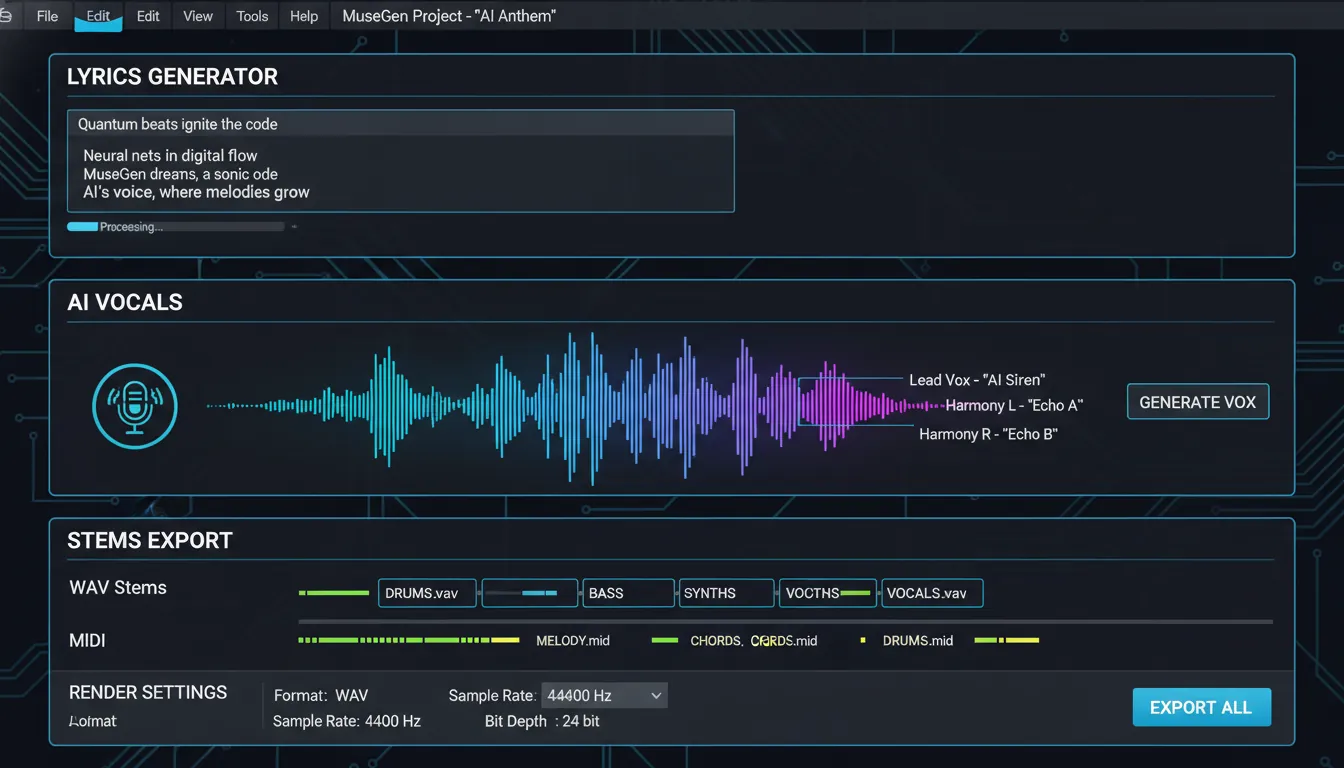
A lyrics generator is most powerful when it's connected to production. MuseGen's workflow is designed for creators who don't want lyrics to stay stuck in a document - they want a finished track.
Typical MuseGen flow looks like:
- Draft lyrics with the AI Vocal & Lyrics Generator
- Generate instrumentals via text-to-music
- Edit details with stem-level control
- Export WAV stems and MIDI for pro refinement
- Optionally create visuals with the One-Click MV Generator
If you're exploring end-to-end creation, you'll likely also care about:
Conclusion: Treat a Lyrics Generator Like a Co-Writer, Not a Vending Machine
A lyrics generator works by translating your prompt into constraints, generating multiple draft candidates, and refining them with structure, rhyme, and singability checks - then handing the real creative decision back to you. The best results come when you guide it like a producer: clear intent, strong boundaries, and ruthless editing. If you want a repeatable workflow, use the generator for drafts and variations, then add your lived detail - the names, places, and specific truths AI can't invent for you.
FAQ: Lyrics Generator Questions People Search
1) What is a lyrics generator and how does it work?
It takes a prompt (theme/mood/genre), converts it into model-friendly tokens, generates candidate lyrics using a language model, then applies structure and quality controls (like repetition, rhyme, and syllable fit).
2) How do I write a good prompt for a lyrics generator?
Include theme, mood, genre, structure (verse/chorus/bridge), and at least 3 concrete images. Add a "do not use" list to avoid cliches.
3) Can a lyrics generator write in different genres like rap, pop, or country?
Yes. Genre cues steer vocabulary, rhyme density, line length, and section structure - rap usually benefits from tighter rhythm and internal rhymes.
4) Why do AI-generated lyrics repeat lines?
Repetition happens when prompts are vague or decoding is too conservative. Fix it by demanding variation per section and banning repeated phrases.
5) Is it legal to use lyrics from an AI lyrics generator commercially?
Often yes, but you must avoid generating or publishing text that closely matches copyrighted lyrics. Always review and rewrite anything that feels familiar.
6) How do I make AI lyrics sound more personal?
Feed it raw material: a journal paragraph, a voicemail transcript, or a real scene. Then ask it to transform that into verses while preserving specific details.
7) Should I generate the whole song at once or section-by-section?
Section-by-section typically wins: outline -> chorus -> verses -> bridge. It improves coherence and makes editing faster.