 MuseGen
makesong Explained: What It Is and How It Creates Songs
MuseGen Team
5/2/2026
You have an idea for a track - maybe a hook, a mood, or a few lines of lyrics - but no time (or patience) to open a full DAW and build everything from scratch. That's the moment tools like makesong tend to show up: you describe what you want, press generate, and seconds later you're listening to a structured song. The big questions are: what is makesong, how does it actually create songs, and what should you watch out for before using it commercially? This guide breaks it down in plain, professional terms.
What is makesong?
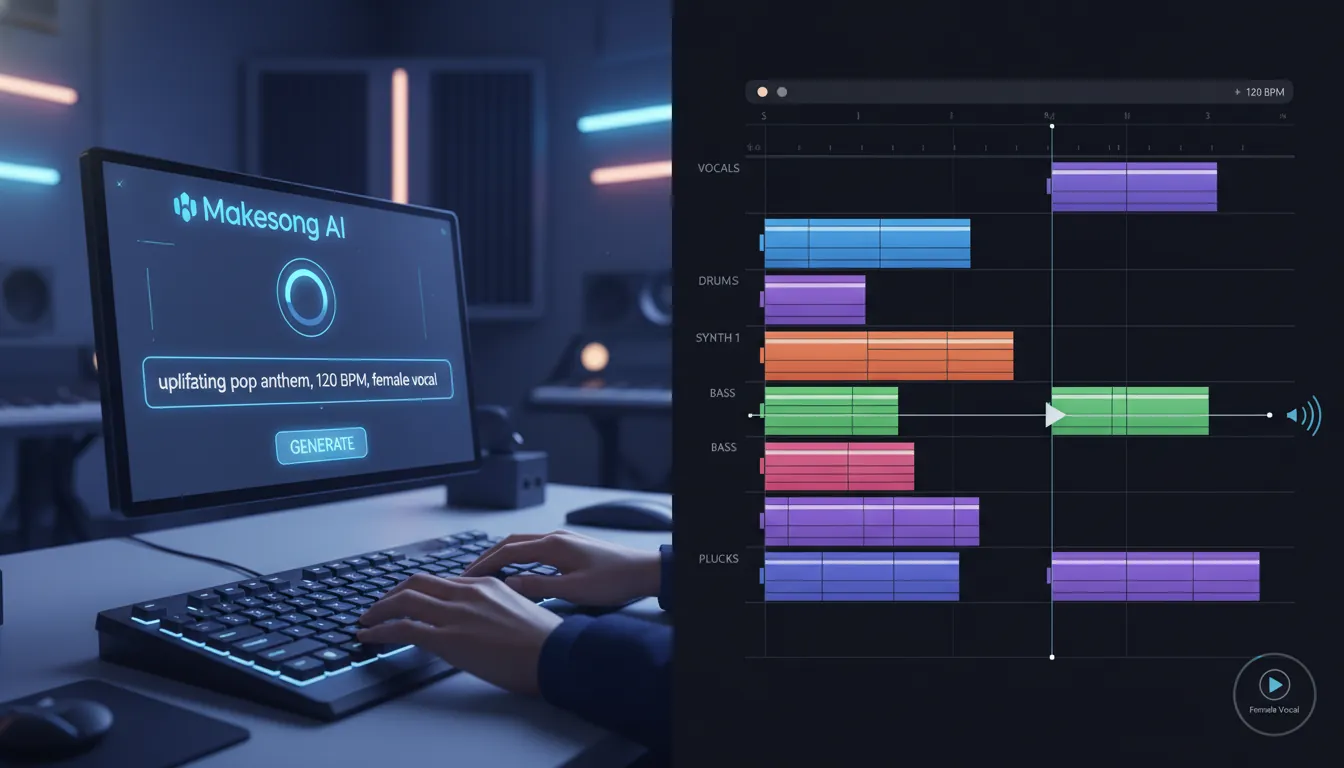
makesong is an AI song generator that turns text prompts or lyrics into full music tracks - often including melody, harmony, beat, arrangement, and sometimes vocals. Instead of manually composing chords, programming drums, and recording vocals, you supply creative direction (genre, mood, tempo, theme, and/or lyrics) and the system generates a complete song draft.
In practice, makesong is used by:
- Content creators who need background music fast
- Marketers producing ads, shorts, and branded content
- Podcasters and YouTubers seeking royalty-friendly tracks
- Indie musicians looking for demos or inspiration
- Beginners who want results without music theory
Authoritative references describing makesong's purpose and workflow include the platform's Text-to-Song page and third-party reviews (see: MakeSong text-to-song, PortoTheme review, and ScribeHow overview).
How makesong creates songs (step-by-step)
At a high level, makesong converts language (your prompt/lyrics) into music decisions (structure, melody, chords, instrumentation, and performance). Most tools in this category follow a similar pipeline.
- You provide input
- A descriptive prompt (e.g., "lofi chill, rainy night, 85 BPM, warm Rhodes")
- Full lyrics (sometimes with verse/chorus formatting)
- Optional settings like mood, vocal type, tempo, and genre
- The model interprets constraints
- The system maps your text to musical attributes: tempo range, key feel, genre-typical drum patterns, chord vocabulary, and arrangement expectations (intro/verse/chorus/bridge/outro).
- It composes and arranges
- Melody lines are generated to fit the harmonic movement.
- Drums/bass/harmony parts are layered into a coherent structure (not just a loop).
- It renders audio (and sometimes vocals)
- You'll typically receive a mastered stereo mix (MP3/WAV depending on plan).
- Some modes include vocal synthesis; others create instrumentals only.
- You iterate
- Regenerate variations, replace sections, extend the track, or remove vocals (features vary by plan and product version per the platform's pricing pages).
This matches the standard workflow described in multiple references: prompt/lyrics -> parameter selection -> generate -> refine -> export (makesong pricing, ScribeHow).
Turn Your Words Into Songs with SUNO AI! 🎵 | Full Beginner Tutorial
What makesong typically lets you control (and what it doesn't)
The appeal of makesong is speed, but control is always a tradeoff. Here's what you can usually steer vs. what may still feel "AI-random."
Common controls
- Genre/style (pop, rock, rap, EDM, etc.)
- Mood/energy (calm, sad, uplifting, aggressive)
- Tempo and arrangement length (some generators support full songs up to minutes)
- Vocal type options (where available)
- Basic edit operations (extend, replace section, vocal remover - often plan-dependent)
Common limitations
- Exact phrasing of vocals may not match your "inner singer"
- Mix decisions can be inconsistent across generations
- Fine-grain stem-level editing may be limited compared to pro production workflows
- Results can vary: you may get a "hit" or a draft that needs re-rolling (a pattern echoed in aggregated user sentiment on third-party review summaries)
makesong pricing and plan differences (quick comparison)
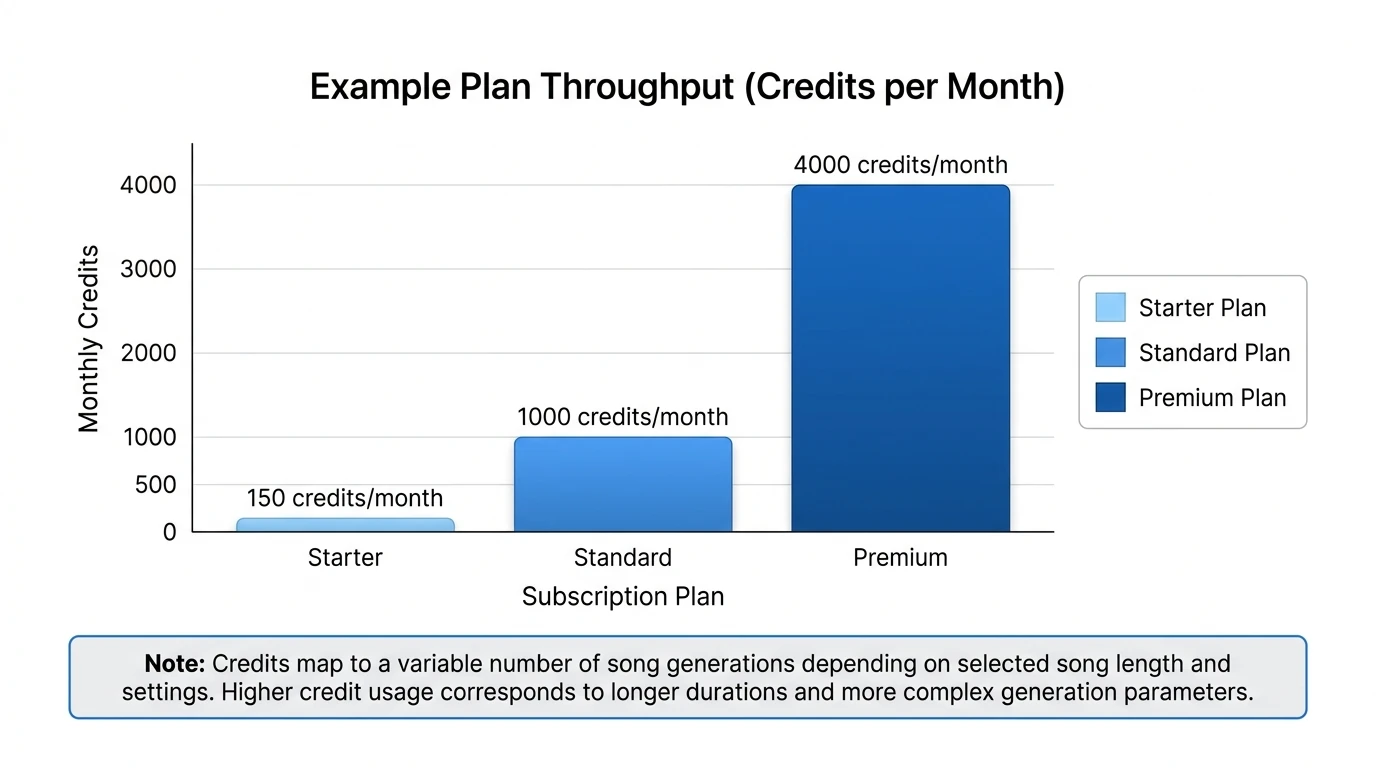
The details can change, but makesong commonly uses a credits system tied to subscription tiers. Plans often differ in monthly credits, generation priority, concurrent jobs, storage duration, export formats, and commercial licensing options (as listed on official pricing pages).
| Plan (example from official pricing pages) | Typical monthly price (discounted) | Typical credits/month | Common extras included |
|---|---|---|---|
| Starter | ~$7.9/mo | ~150 | Advanced models, MP3/WAV export, private generations, basic editing tools |
| Standard | ~$16.6/mo | ~1000 | Priority queue, 2 jobs at once, more storage, expanded features |
| Premium | ~$39.9/mo | ~4000 | Higher throughput, 4 jobs at once, unlimited storage (often), priority features |
Always verify current terms on the official page before purchasing: MakeSong pricing.
Licensing, royalty-free claims, and what to verify
Many users choose makesong because it advertises royalty-free output, but "royalty-free" can still come with conditions (plan type, attribution rules, or subscription status). Before using makesong for monetized YouTube, ads, client work, or a game release, check:
- Who gets the license and when (during trial vs. paid subscription)
- Commercial vs. non-commercial definitions
- Whether you retain rights after cancelling
- Whether attribution is required on free tiers
- Whether sublicensing is allowed (important for client delivery)
For licensing language examples, review the platform's published terms where available, such as:
My practical advice from shipping audio in real projects: export and store your license proof (receipt + license page snapshot) alongside the final WAV/MP3. If a platform dispute happens later, this saves hours.
Real-world quality: what you can expect from makesong
In my own testing of AI music generators, the biggest difference between "useful" and "frustrating" is how quickly you can iterate to a usable arrangement. makesong's core value is that it can produce a complete verse-chorus structure quickly, which is more useful than a 20-30 second loop when you need a full-length cue for video.
That said, user-review roundups suggest a mixed experience: people often praise speed and convenience, while complaining about support and confusing credit usage on some plans. If you're evaluating makesong for business use, treat it like a generator that can produce strong drafts - then plan for light editing, re-generation, or finishing in a DAW when needed.
makesong vs. MuseGen: when to choose which
If your goal is "generate a song now," makesong is straightforward. If your goal is "generate a song and then finish it like a producer," you'll care more about stems, MIDI, and editing depth.
Here's how MuseGen typically fits into that workflow, especially for professional or semi-pro output:
- Prompt-to-track speed for quick ideation
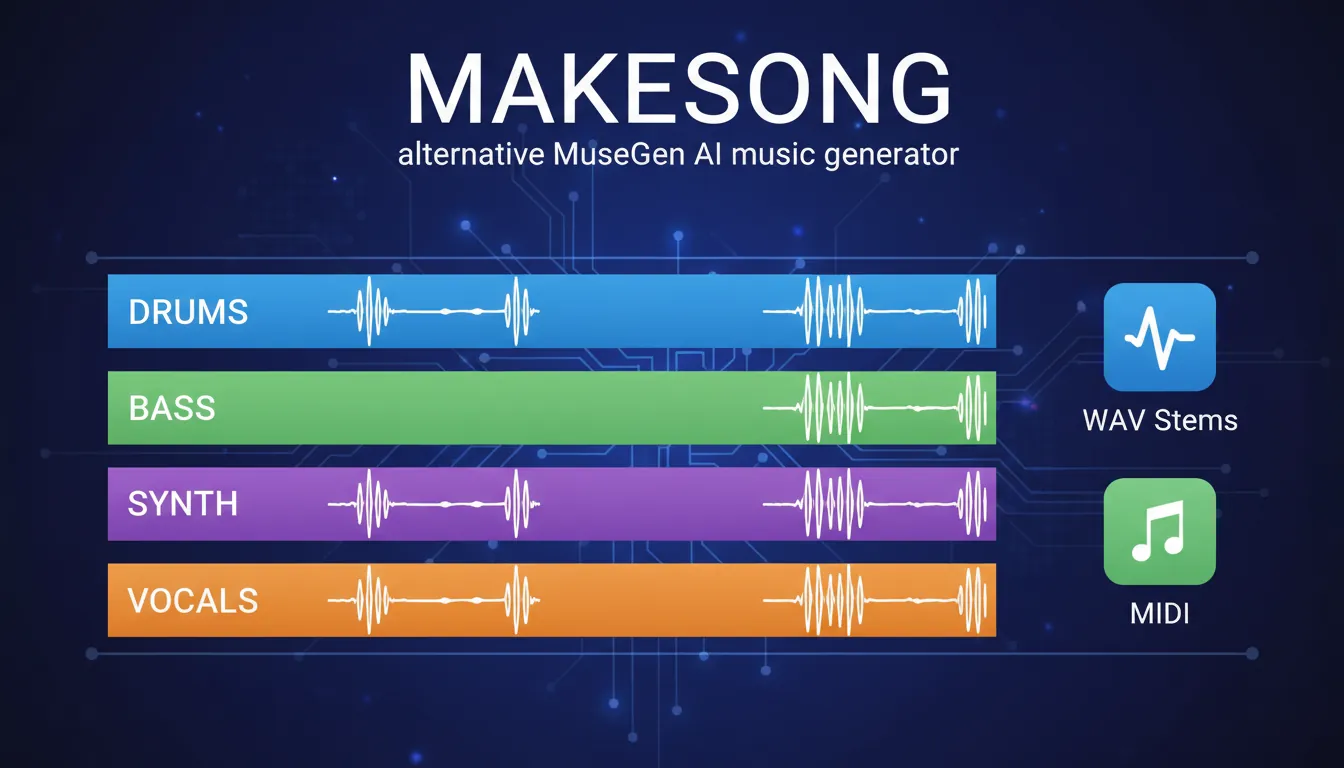
- More control for production finishing, including stem-based editing and exports (WAV stems, MIDI)
- AI vocals + lyrics assistance when you need a complete topline quickly
- Mixing/mastering help when you need consistent loudness and polish
- One-click MV creation when you need content-ready visuals
If you're comparing tools, decide based on your end deliverable:
- If you only need a fast background track: makesong may be enough.
- If you need deliverables for clients (stems, revisions, consistent versions): MuseGen-style exports and controls matter.
To explore a production-ready workflow, start here: MuseGen AI Music Generator, Export WAV stems & MIDI, and One-Click MV Generator.
Best prompts to get better results in makesong
Better prompts reduce randomness. Use a simple structure: Genre + mood + tempo + instruments + reference vibe + structure.
Try formats like:
- "Indie pop, upbeat and bright, 118 BPM, clean electric guitar + tight drums, verse-pre-chorus-chorus, catchy hook"
- "Cinematic ambient, slow 70 BPM, evolving pads, no vocals, builds to a peak at 1:30, wide reverb"
- "Rap trap, 140 BPM, dark 808s, sparse melody, male vocal, confident lyrics about winning"
Prompt checklist:
- Mention tempo (or "slow/fast")
- Specify instrument palette
- Specify vocal/no vocal
- Specify structure (verse/chorus, drop, bridge)
- Add mix adjectives (warm, punchy, lo-fi, clean)
Conclusion: Is makesong worth using?
makesong is best understood as a fast, prompt-driven AI song generator that can turn lyrics or a short description into a full song draft in minutes. For creators who need quick music, it can remove major production bottlenecks and help you iterate toward a usable track faster than traditional composing. If you plan to monetize the output, treat licensing as part of the workflow - verify plan terms and keep documentation.
If you want faster finishing, deeper editing, and deliverables like stems/MIDI, consider a production-first platform like MuseGen alongside (or instead of) makesong.
FAQ about makesong
1) What is makesong used for?
makesong is used to generate complete songs from text prompts or lyrics, often for content creation, demos, and quick music needs.
2) How does makesong create songs from text?
It interprets your prompt (genre, mood, tempo, theme) and uses AI models to generate melody, harmony, arrangement, and rendered audio - sometimes with vocals.
3) Can I use makesong songs on YouTube or TikTok?
Often yes, but you must confirm the current licensing terms for your plan and whether attribution is required during free trials.
4) Does makesong generate full-length songs or short clips?
Many AI song tools now support longer, structured songs; always check makesong's current length limits and plan constraints.
5) Why do makesong results sound different each time?
Generative models include randomness by design. Small prompt changes - or no changes at all - can yield different melodies, voicings, and mixes.
6) What should I do if the vocals aren't usable?
Try regenerating with tighter prompt constraints, switch vocal type (if available), or generate an instrumental and add vocals elsewhere.
7) What's a good makesong alternative for producers who need stems?
If you need WAV stems and MIDI for detailed edits, consider a platform like MuseGen designed for stem export and production refinement.