music ly generator: Beginner's Guide to First Lyrics

MuseGen Team
5/11/2026
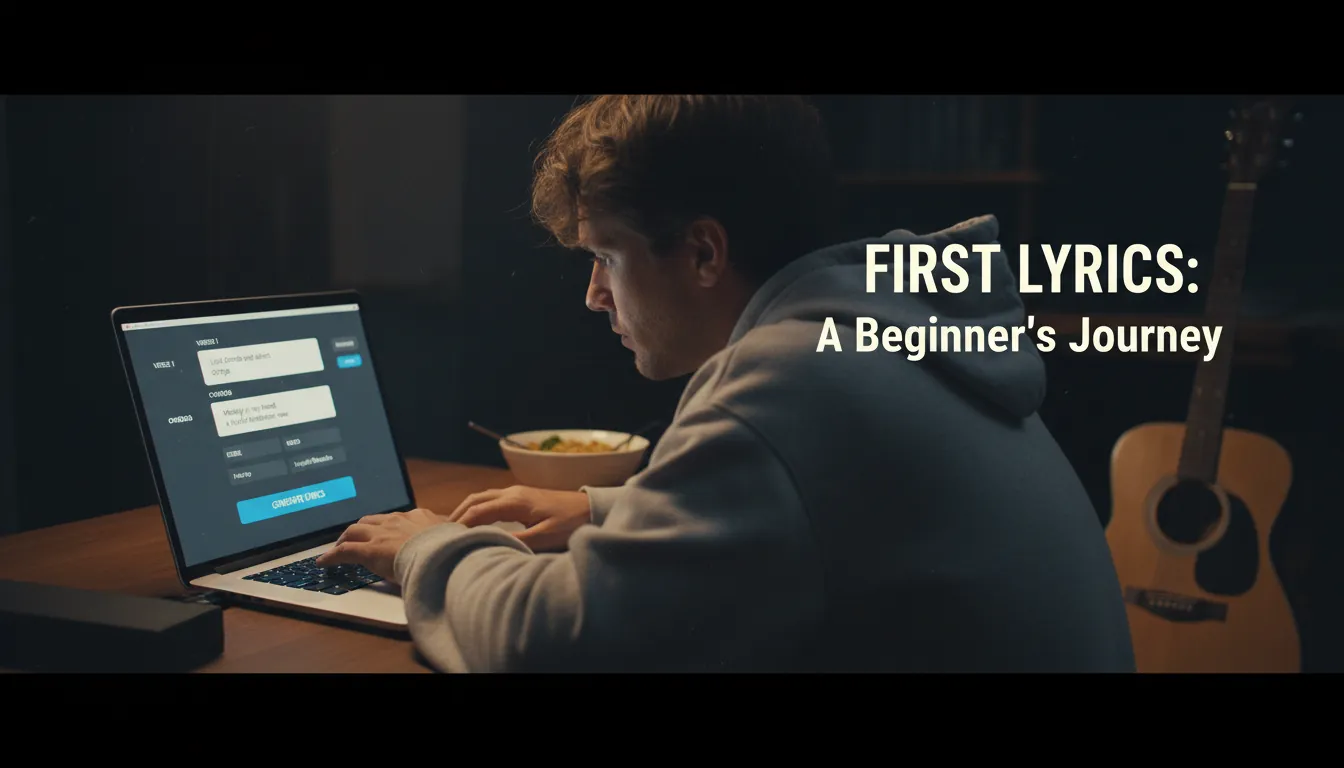
The cursor blinks. You've got a feeling, maybe a hook, but the lines won't land - and you're wondering if a music ly generator can get you from "blank page" to "first draft" without killing your voice. I've been there: the fastest way to lose momentum is to chase perfection before you even have a chorus. This guide shows you a simple, repeatable workflow to write your first lyrics, then turn them into a studio-ready track using MuseGen-style AI tools.
What a music ly generator does (and what it doesn't)
A music ly generator (short for "music lyric generator") is an AI tool that drafts lyrics from your idea - theme, mood, genre, and basic story beats. Good ones help you format sections (Verse/Chorus/Bridge), suggest rhyme/flow options, and keep a consistent tone so your hook doesn't feel like it came from a different song.
What it won't do is "be you" automatically. In practice, the best results come when you treat the generator like a co-writer: let it draft, then you make the lines more specific and human. Also, avoid asking it to reproduce existing copyrighted lyrics; that's where people run into compliance limits and rights issues.
Before you generate: pick a simple lyric plan (2 minutes)
When I test lyric tools, I start with a tiny plan because it gives the AI boundaries. That alone reduces "random" outputs.
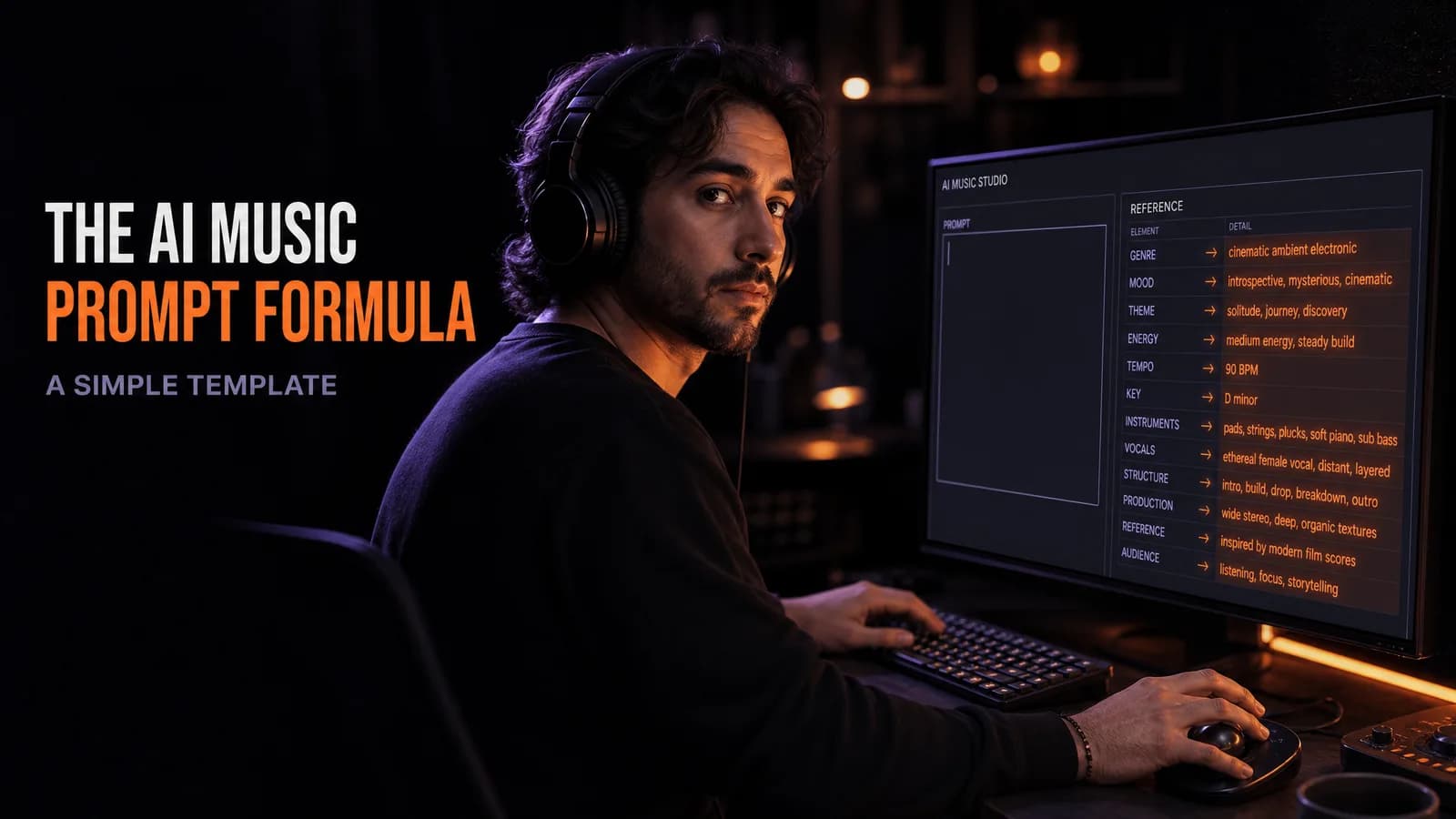
Use this quick template:
- Theme: What is the song about in one sentence?
- Scene: Where does it happen (one concrete place)?
- Emotion arc: Start -> turn -> landing (3 words)
- Structure: Verse -> Chorus -> Verse -> Chorus -> Bridge -> Chorus
Example (steal this format, not the words):
- Theme: "Starting over after a hard year"
- Scene: "Late-night bus ride in the rain"
- Emotion arc: "tired -> brave -> open"
- Structure: V-C-V-C-B-C
This is the fuel your music ly generator needs to write lyrics that feel intentional.
Step-by-step: generate your first lyrics (beginner workflow)
Step 1) Start in lyrics-first mode (Own Lyrics or Auto Lyrics)
Most AI music platforms offer either:
- Prompt mode: You describe the song; AI generates both music and lyrics.
- Own lyrics mode: You paste lyrics (yours or AI-drafted), then generate music around them.
For beginners, I recommend generating lyrics first (even if AI-assisted), then moving to "own lyrics" so you stay in control of message and phrasing. This mirrors common "paste lyrics, then pick style" flows in modern web-based tools.
Step 2) Use a prompt that controls story + sound (not just "write a song about...")
A prompt that works well is short, concrete, and structured. Aim for 60-120 words.
Include:
- Genre + tempo feel (mid-tempo, fast, half-time)
- Mood adjectives (hopeful, gritty, warm)
- Vocal vibe (soft, confident, raw) - without naming artists
- Scene details (place, time, sensory image)
- Structure request (Verse/Chorus/Bridge labels)
Prompt example for a music ly generator:
- "Write pop lyrics with a bittersweet but hopeful tone. Scene: riding the last bus home in the rain, watching streetlights blur on the window. Keep language conversational, not poetic. Structure: Verse 1 (8 lines), Chorus (6 lines with a strong repeatable hook), Verse 2 (8 lines), Chorus, Bridge (4 lines that flips to optimism), Final Chorus. Avoid cliches like 'shattered' or 'broken.'"
Step 3) Generate 3 drafts, then "comp" the best lines
My best outputs rarely come from Draft #1. Generate 2-3 variations and combine ("comp") the strongest lines into one clean lyric sheet.
When choosing lines, prioritize:
- Specific nouns (bus stop, wet hoodie, flickering sign)
- Singable rhythm (read it out loud - if you trip, rewrite)
- Chorus clarity (hook should be easy to repeat)
Step-by-step: turn lyrics into a full song in MuseGen (music + vocals)
The MuseGen workflow is built for fast iteration: you can create music from text, lyrics, audio, or images, then refine with stems and exports. Here's a reliable method for first songs.
Step 4) Paste your lyrics into MuseGen and choose your style
In MuseGen, open the AI Music Generator and select an own lyrics style workflow (paste your lyric sheet). Then set:
- Genre: pop, lo-fi hip hop, rock, EDM, cinematic, etc.
- Mood: bright, melancholic, intense, chill
- Instrumentation: pick 2-4 anchors (e.g., piano + pads + light drums)
- Vocal settings: vocal gender/tone if you want AI vocals
- Length: match your structure (e.g., ~2:10-3:00 for first attempts)
If you're unsure, use "inspiration" suggestions (many generators provide idea presets) and only change one major variable per attempt. That way you learn what each control does.
Step 5) Generate, then iterate like a producer (small changes only)
Click Generate and expect a quick turnaround (often around 1-2 minutes on modern platforms). Then listen once for vibe, once for lyric fit.
Make changes in this order:
- Tempo/energy (too slow/fast breaks phrasing)
- Instrumentation density (lyrics need space)
- Vocal style (confidence vs softness)
- Lyric micro-edits (swap clunky syllables)
A prompt + settings cheat sheet (copy/paste)
Use this as your starting point and adjust one element at a time.
- Genre: Indie pop
- Mood: nostalgic, hopeful
- Tempo feel: mid-tempo, steady groove
- Instruments: clean electric guitar, warm pads, tight kick/snare, soft bass
- Mix rule: "vocals upfront, drums not too loud"
- Lyrics: paste your V-C-V-C-B-C sheet
This level of specificity is what separates "generic AI song" from "my first real track."
Common lyric structures (and when to use them)
A music ly generator performs better when you tell it the structure upfront. Here's a quick map:
| Structure | Best for | Why it works | Beginner difficulty |
|---|---|---|---|
| Verse-Chorus-Verse-Chorus-Bridge-Chorus | Pop, rock, indie | Clear hook repetition + emotional lift in bridge | Easy |
| Verse-Chorus-Verse-Chorus | Short content (ads, shorts) | Fast payoff, minimal sections | Very easy |
| Hook-Verse-Hook-Verse-Hook | Rap / melodic rap | Hook anchors flow while verses carry story | Medium |
| AABA | Jazz / classic pop | Strong contrast section ("B") keeps interest | Medium |
Quality control: make AI lyrics sound human (fast edits)
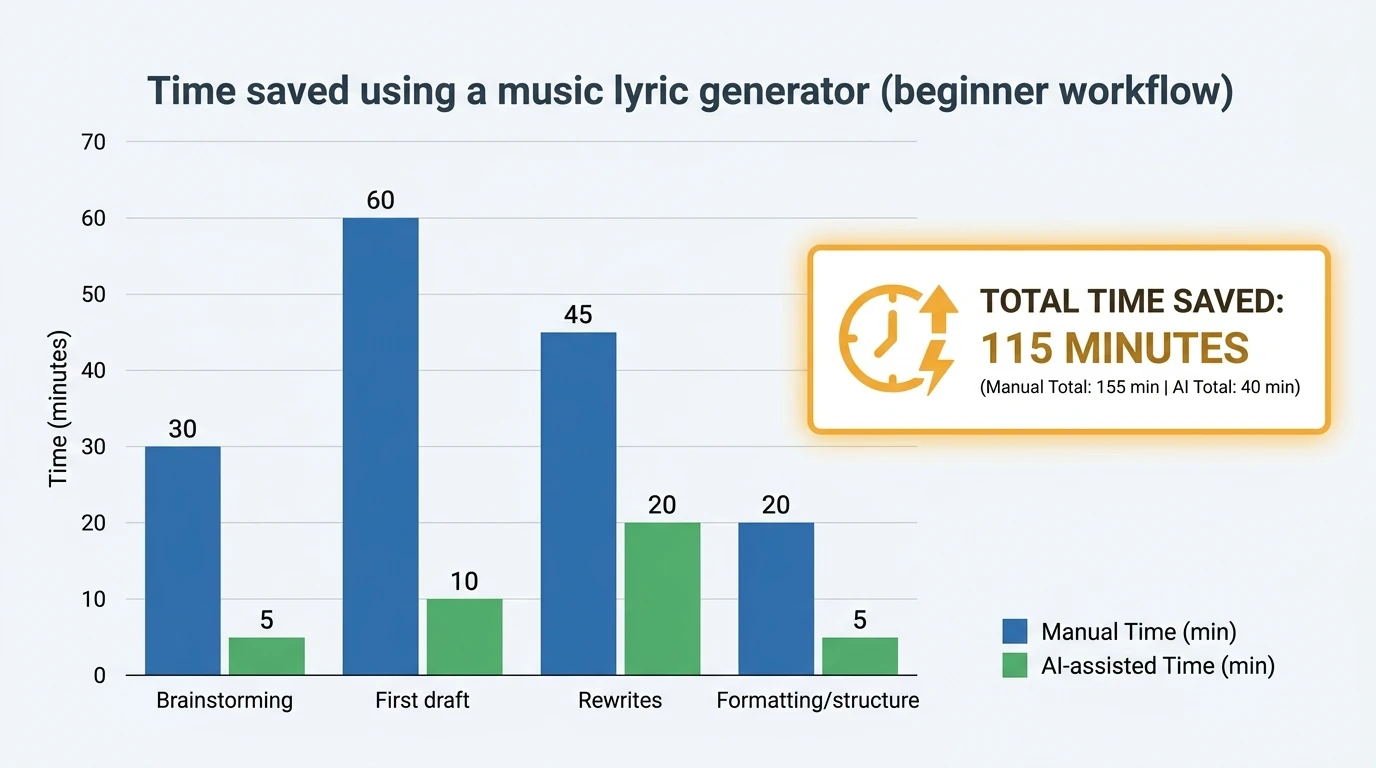
I've found that 10 minutes of targeted editing beats 60 minutes of rewriting from scratch. Use this checklist:
- Replace abstract words with objects you can see (streetlight, coffee cup, unread text)
- Cut filler lines that say nothing new (especially in verses)
- Give the chorus one job: a single message repeated clearly
- Check syllables by clapping the chorus - make it "land" on the beat
- Avoid "AI-tells": over-rhyming, identical line lengths, vague inspirational slogans
If a chorus feels weak, don't regenerate the whole song. Regenerate only the chorus with tighter constraints, then paste it back into your lyric sheet.
Export like a pro: stems, WAV, and MIDI (so you can finish anywhere)
Once you get a version you like, treat it like a real production:
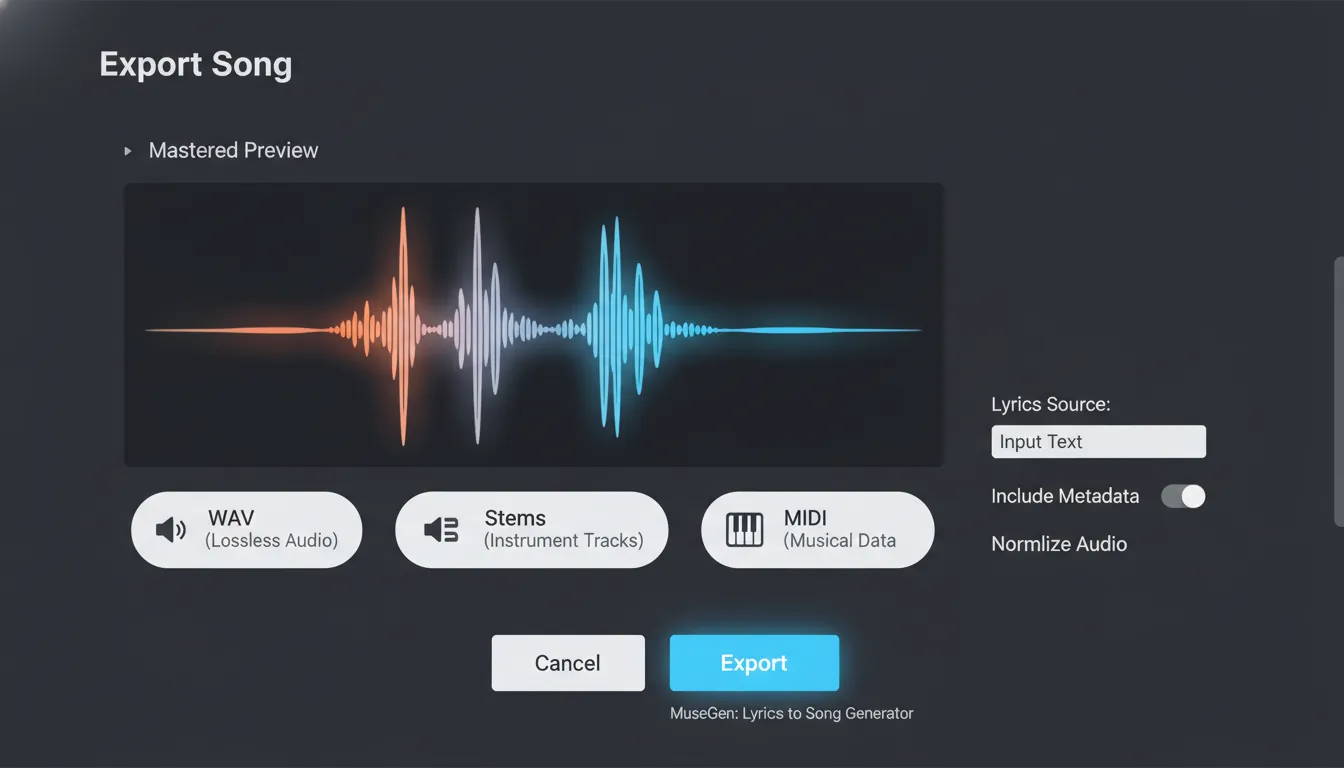
- Export WAV for highest quality
- Export stems (drums, bass, chords, vocals) for targeted fixes
- Export MIDI if you want to replace sounds in a DAW
In MuseGen, stem export is especially useful when the lyric delivery is good but the backing is too busy. Pull down the mid instruments, keep the vocal clear, and the whole track reads as "intentional."
Rights & safety basics (so you don't get stuck later)
Lyrics are protected as part of the musical composition, and reusing recognizable lines from existing songs can create clearance problems. Also, current guidance in the U.S. generally requires human authorship for full copyright protection; if you write the lyrics yourself, that human-written portion is typically the most defensible. If AI drafts your lyrics, treat it as a starting point and add meaningful human revisions (and keep notes of your changes).
For deeper reading from authoritative sources:
- What are lyric rights?
- Lyria (DeepMind) - safety, watermarking, and limitations
- AI music detection tools: accuracy & limitations in 2026
Mini "first song" checklist (printable)
Follow this once, and your second song will be faster.
- Decide theme + scene + emotion arc (2 minutes)
- Generate 3 lyric drafts in your music ly generator
- Comp best lines into Verse/Chorus/Bridge
- Paste into MuseGen (own lyrics workflow)
- Choose genre, mood, instruments, vocal vibe
- Generate -> tweak one setting -> regenerate
- Export WAV + stems; do light mix/master or use smart mastering
Conclusion: your first lyrics don't need to be perfect - just finished
The blinking cursor is less scary when a music ly generator is there to get momentum back. I've watched beginners go from "I'm not musical" to a complete, listenable first track by focusing on structure, specificity, and small iterations instead of chasing a masterpiece in one pass. If you want the smoothest path, draft lyrics quickly, refine the hook, then let MuseGen handle composition, vocals, and stem-level control so you can polish like a producer.
FAQ (music ly generator)
1) What is a music ly generator?
A music ly generator is an AI lyric generator that creates song lyrics from prompts like theme, mood, genre, and structure (verse/chorus/bridge).
2) How do I write a good prompt for a music ly generator?
Use concrete details: a scene, emotion arc, genre, vocal vibe, and labeled sections. Ask for conversational language and ban a few cliches.
3) Should beginners start with prompt mode or own lyrics mode?
Start by generating or drafting lyrics first, then use own lyrics mode to keep control over message and structure while the AI composes the music.
4) Why do AI-generated lyrics sometimes feel generic?
Prompts that are too broad ("a sad love song") produce generic lines. Add specificity (place, time, objects) and request a clear hook with repetition.
5) Can I use a music ly generator for commercial songs?
Often yes, but you must follow the tool's terms and avoid copying existing lyrics. For commercial releases, keep documentation of your writing and edits.
6) Can I copyright lyrics made with a music ly generator?
Purely machine-generated text may have weaker protection under current guidance. If you substantially write/edit the lyrics yourself, your human-authored portion is more protectable.
7) How do I make the lyrics fit the beat better?
Read them out loud, simplify syllables in the chorus, and adjust tempo/arrangement so vocals have space - then regenerate with small changes.