How to Write Perfect AI Music Prompts for Cinematic Tracks

MuseGen Team
7/16/2026
Cinematic music can turn a good scene into an unforgettable one — but only if the score actually fits the moment. When you generate music with AI, the quality of your result depends almost entirely on the quality of your prompt. A vague request gives you generic wallpaper sound; a precise, well-structured prompt gives you a track that swells, breathes, and lands on cue. This guide teaches you how to write professional cinematic AI music prompts in MuseGen, covering mood, genre, tempo, instrumentation, and scene matching — with ten copy-paste templates you can use today.
Why AI Music Prompts Matter
Think of a prompt as a creative brief for a film composer. Hand them one line — "make something epic" — and you'll get a hundred different interpretations, most of them wrong. Give them mood, pacing, key instruments, and the scene the music supports, and they can hit the target on the first take. AI music prompts work the same way. MuseGen reads your words as musical intent, so specific language maps directly to specific sonic decisions. Better prompts mean fewer regenerations, tighter emotional alignment with your footage, and a faster path from idea to a release-ready track.
Core Prompt Elements
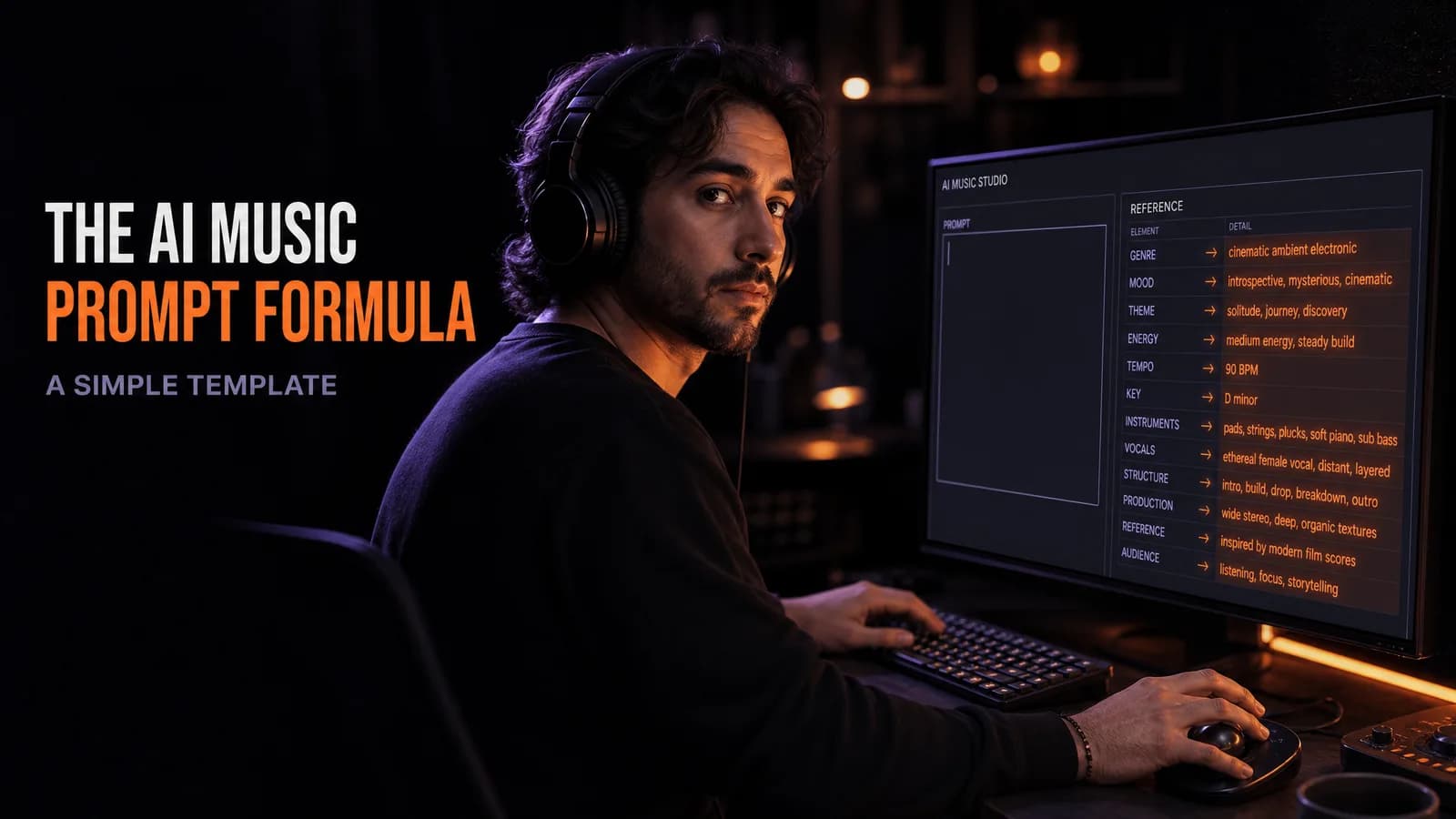
Every strong cinematic prompt is built from five ingredients. Include all of them and you rarely miss.
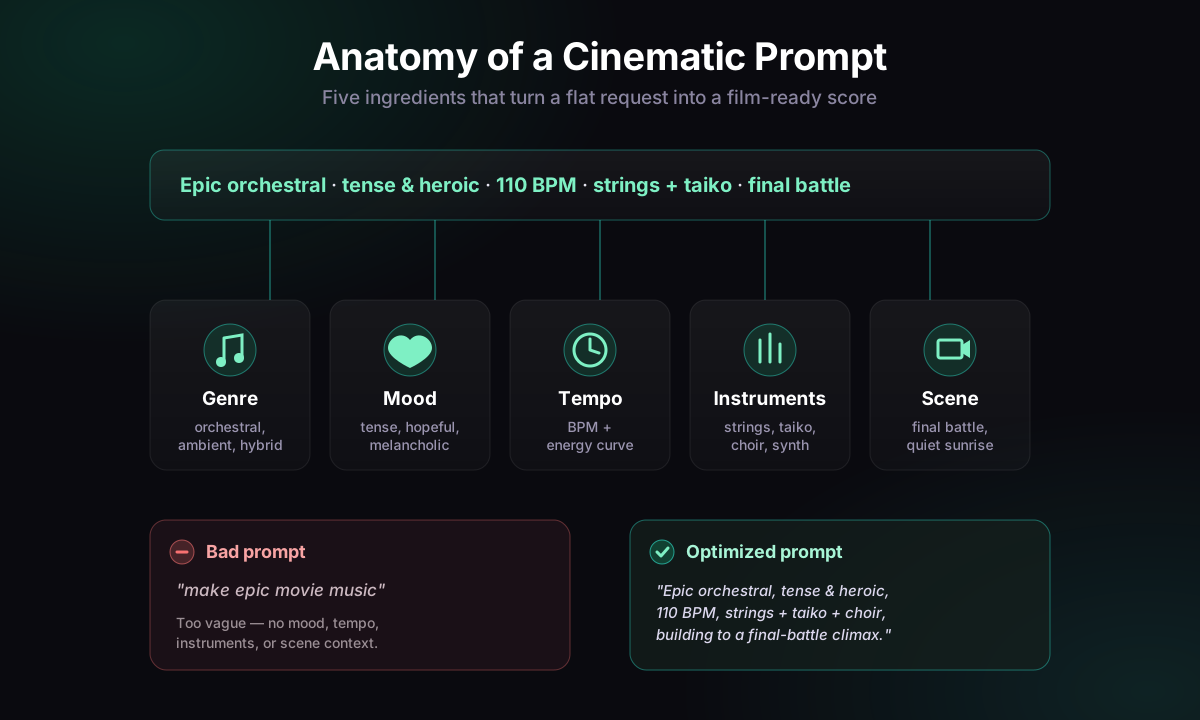
- Genre & Style — Set the sonic world: epic orchestral, dark ambient, hybrid trailer, neo-classical, sci-fi synth.
- Mood & Emotion — Name the feeling: tense, hopeful, melancholic, triumphant, eerie. Mood is what an audience remembers.
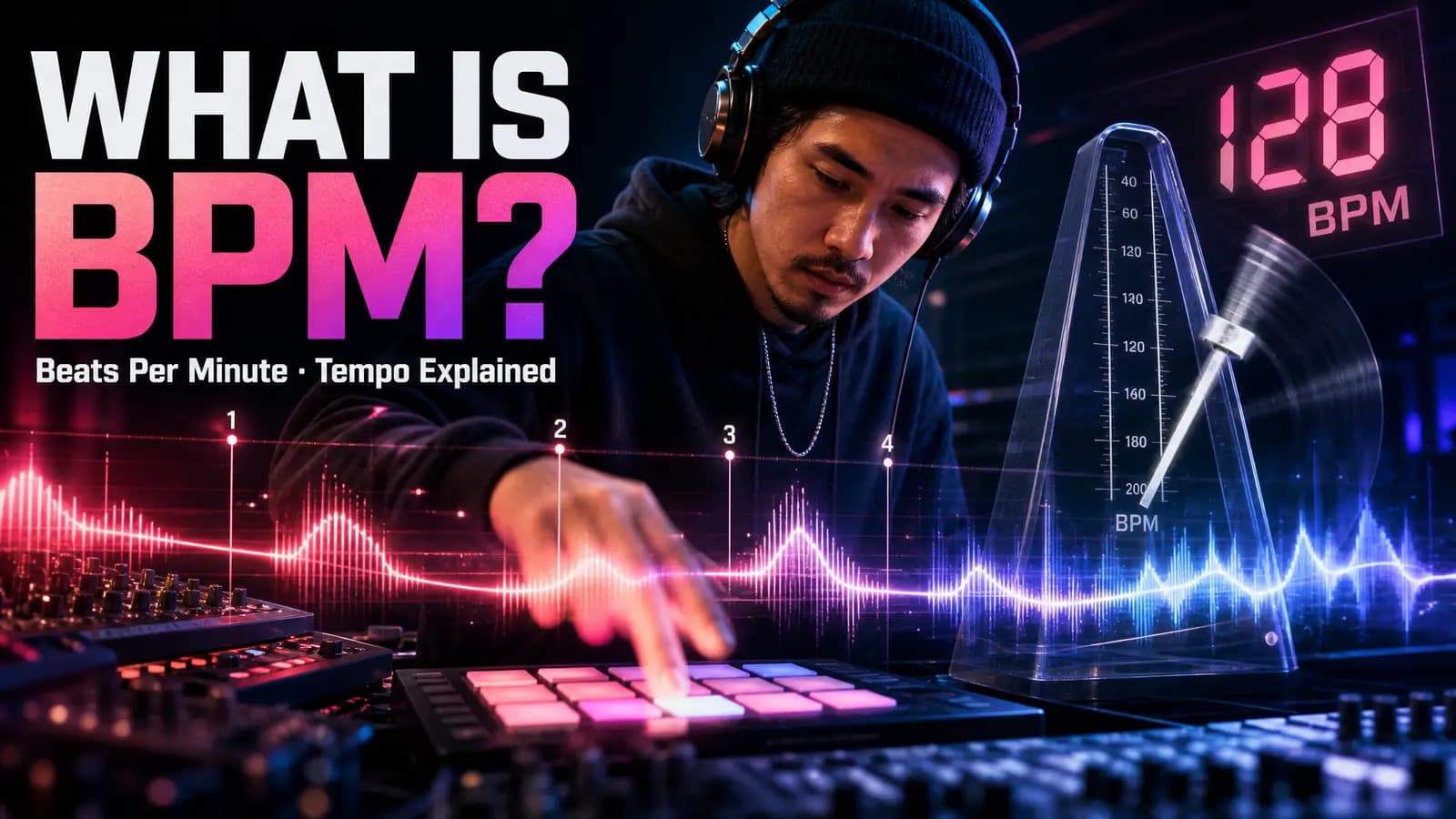
- Tempo & Energy — Add a BPM range and an energy curve: slow build from 70 BPM to a driving 130 BPM climax.
- Instrumentation — List signature instruments: lush strings, taiko drums, solo cello, choir, analog pads.
- Scene / Context — Describe the moment the music serves: a quiet sunrise, a final battle, a lonely space station.
Bad prompt: "epic movie music" — no mood, tempo, instruments, or scene, so the AI has to guess everything.
Optimized prompt: "Epic hybrid orchestral, tense and heroic, 110 BPM building to a climax, strings + taiko + choir, scoring a final battle."
10 Cinematic Prompt Examples
Copy any of these into MuseGen and tweak the details to fit your scene.
- Epic battle: "Powerful hybrid orchestral, heroic and relentless, 120 BPM, thunderous taiko + brass + choir, scoring an army charging into war."
- Emotional drama: "Intimate neo-classical, melancholic and tender, 68 BPM, solo piano and warm strings, underscoring a quiet farewell."
- Sci-fi tension: "Dark hybrid sci-fi, cold and suspenseful, 90 BPM pulse, analog synth arps and low drones, a spaceship drifting toward danger."
- Fantasy adventure: "Sweeping orchestral, wondrous and adventurous, 100 BPM, soaring flutes, harp and full strings, a hero crossing a vast valley."
- Horror suspense: "Eerie dark ambient, unsettling and tense, 60 BPM, dissonant strings, sub-bass and whispering textures, exploring an abandoned house."
- Triumphant finale: "Grand cinematic, uplifting and triumphant, 128 BPM, full brass, timpani and choir, a victorious crowd celebrating."
- Romance: "Lush romantic score, warm and hopeful, 76 BPM, solo cello, piano and soft strings, two lovers reunited at sunset."
- Chase / action: "Driving action hybrid, urgent and kinetic, 140 BPM, staccato strings, percussion loops and distorted synth, a rooftop pursuit."
- Mystery / noir: "Moody jazz-noir cinematic, smoky and secretive, 84 BPM, muted trumpet, upright bass and brushed drums, a detective in the rain."
- Inspirational trailer: "Modern trailer score, hopeful and rising, slow build 80–124 BPM, piano into strings and epic drums, a montage of overcoming odds."
Step-by-Step Generation
- Define the scene first. Know the emotion and the beat you're scoring before you type a word.
- Assemble the five elements. Genre → mood → tempo → instrumentation → scene, in one clean sentence.
- Generate in MuseGen. Paste your prompt, pick your style, and create the first draft.
- Refine, don't restart. Adjust one variable at a time — nudge the tempo, swap an instrument, sharpen the mood.
- Extend and export. Build your track to full length, then export stems, WAV, or MIDI for editing.
MuseGen Customization Features
MuseGen is built for exactly this kind of atmospheric, cinematic work. Beyond text-to-music, you can extend, replace, merge, and overlay sections to shape a score around your edit. You can generate from text, lyrics, audio, or images, then export stems and MIDI to mix a cue in your own DAW. That control is what makes MuseGen strong for trailers, films, and games: you're not stuck with one take — you can sculpt dynamics, layer instruments, and match every hit to the picture.
Final Tips
- Be specific, not long. Five sharp elements beat a paragraph of adjectives.
- Lead with emotion. Mood drives the listener; put it near the front.
- Describe the scene, not just the sound. Context ("a final battle") tells the AI how to phrase the arc.
- Iterate one variable at a time so you learn what each word actually changes.
Master these five ingredients and your cinematic AI music will stop sounding generic and start sounding scored. Open MuseGen, write your first optimized prompt, and hear the difference.
Frequently Asked Questions
What makes a good cinematic AI music prompt?
A good prompt combines five elements — genre, mood, tempo, instrumentation, and scene context — in one clear sentence. This gives MuseGen enough musical intent to produce a track that matches your footage on the first attempt.
How long should my AI music prompt be?
One focused sentence is usually ideal. Aim for specificity over length: naming a mood, a BPM, two or three key instruments, and the scene works far better than a long list of vague adjectives.
Can MuseGen match music to a specific film scene?
Yes. Describe the scene ("a quiet sunrise," "a final battle") and the emotional arc, then use MuseGen's extend, merge, and overlay tools to shape the track's dynamics around your edit for a tight sync.
What tempo works best for cinematic tracks?
It depends on the scene. Emotional moments sit around 60–80 BPM, adventure and drama around 90–110 BPM, and action or triumphant climaxes around 120–140 BPM. You can also request a slow build that rises across the track.
Can I export cinematic tracks for editing in a DAW?
Absolutely. MuseGen lets you export stems, WAV files, and MIDI, so you can remix, re-balance, and sync your cinematic score inside any digital audio workstation.