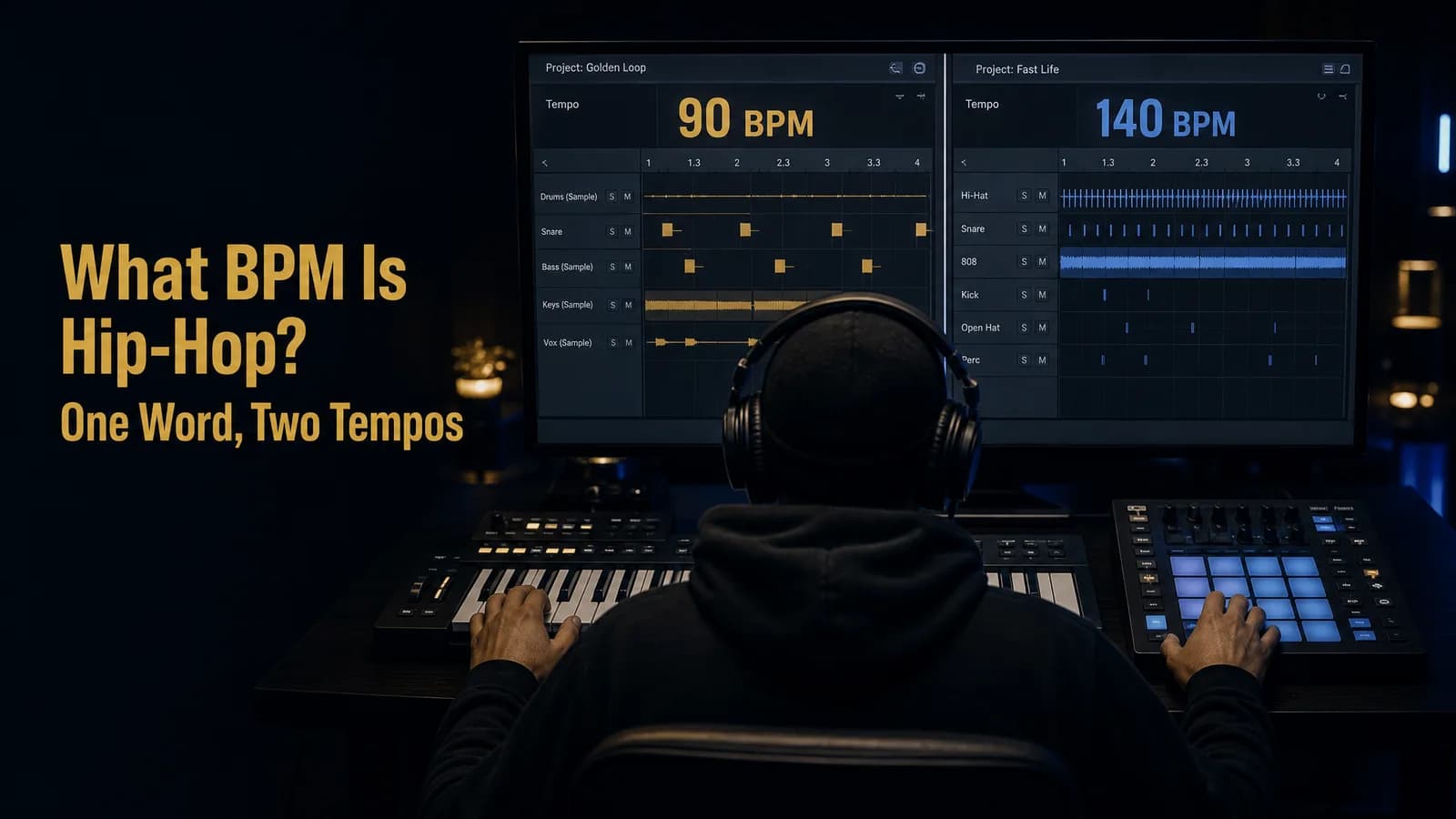
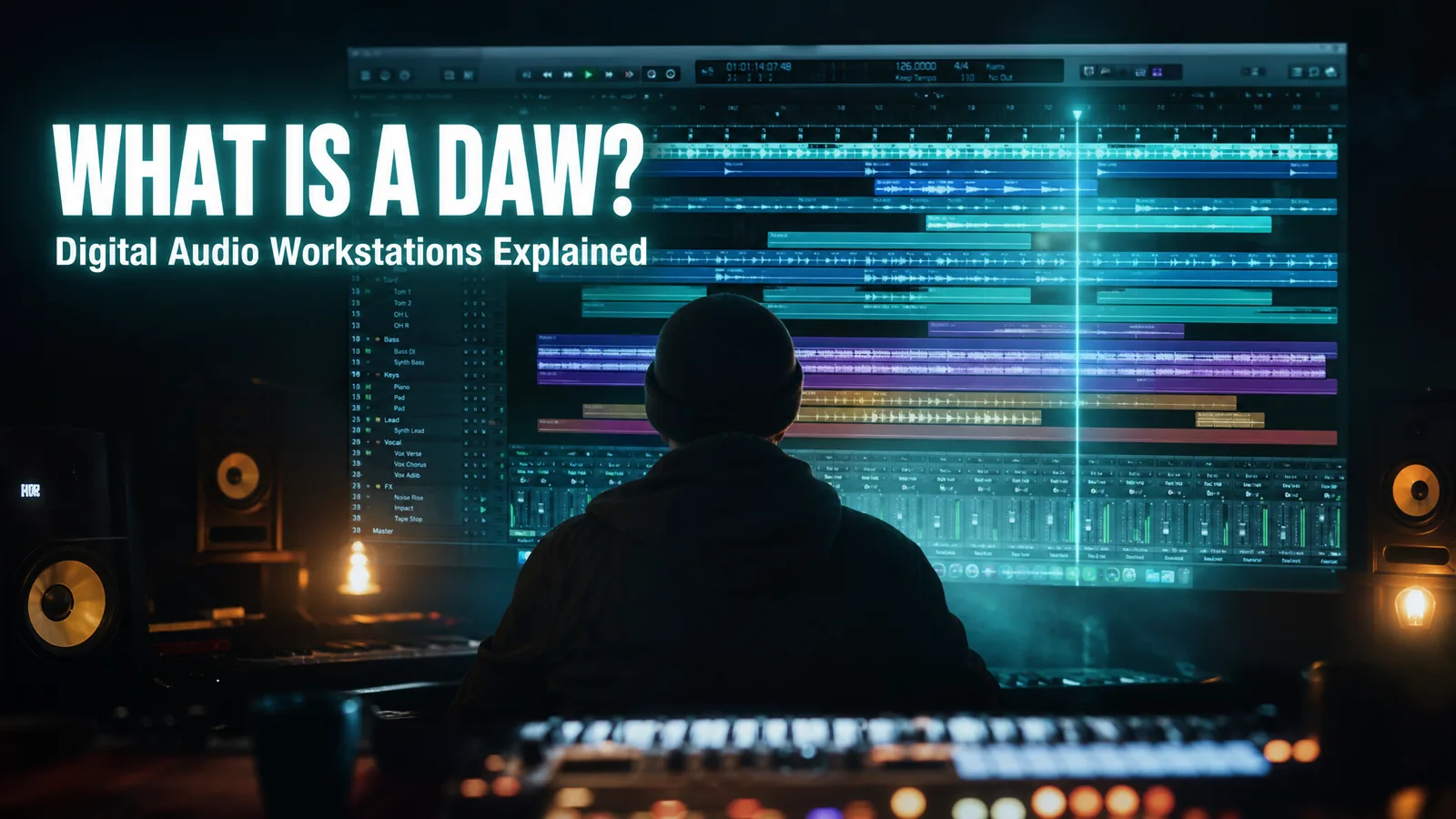
What Is a DAW in Music? Digital Audio Workstations Explained
MuseGen Team
8/26/2026
Ask anyone how to start making music and you'll get the same three-letter answer within about ten seconds: get a DAW. Nobody explains what it is. You end up staring at a screen full of coloured rectangles, faders, and knobs, wondering which of them is supposed to turn your idea into a song. Here's the plain-English version — what a DAW actually is, what it does, and how to pick one without spending a month researching.
In short
A DAW — short for digital audio workstation — is the software where music gets recorded, edited, mixed, and produced. It's the central program that holds your whole project: every track, instrument, effect, and edit in one timeline, exported at the end as a finished song.
Quick facts
- Stands for: Digital Audio Workstation (rhymes with "saw").
- What it is: Software for recording, editing, mixing, and producing audio.
- Core jobs: Record, edit, MIDI, effects, mix, and export.
- What you need: A computer, the software, and an input device — plus an interface when you want to record microphones or instruments.
- Common options: Ableton Live, FL Studio, Logic Pro, Pro Tools, Reaper, and Cubase.
- Cost: Free options exist; paid tiers add instruments and features.
- Not the same as: A plug-in, which runs inside the DAW.
What a DAW actually is
A DAW, or digital audio workstation, is software used for recording, editing, and producing audio files. That's the textbook definition — a digital audio workstation is described as an electronic device or application software used for recording, editing, and producing audio. In practice, it's the one program a modern song lives inside, from the first idea to the final export.
In one line: the DAW is your studio, rebuilt in software. Its input is sound and MIDI — recordings, samples, and notes you play in. Its output is a finished stereo file. Everything between those two points — arranging, editing, and mixing — happens on its timeline.
The best mental model is a recording studio that fits inside your laptop. A traditional studio needed a multitrack tape machine, a mixing desk, racks of outboard effects, and a room full of instruments. A DAW replaces all four with one window: the tape machine becomes the timeline, the desk becomes the built-in mixer, the effects rack becomes plug-ins, and the instruments become software you play from a keyboard.
The name breaks down neatly too. Digital, because the sound is stored as data rather than on tape. Audio, because that's what it handles. Workstation, because it's the single place all the work happens. That last word is the important one: what makes a DAW a DAW isn't any one feature, it's that recording, editing, instruments, effects, and mixing all live under one roof and stay in sync.
The four parts of a DAW setup
A computer-based DAW setup rests on four things: a computer, an audio interface or sound card, the DAW software itself, and at least one input device. Understanding which part does what saves a lot of confused shopping — and tells you what you can skip at the start.
- A computer. The host for everything. Modern DAWs run happily on ordinary laptops; RAM and storage matter more than raw speed once your projects grow, because sample libraries and audio files are large.
- An audio interface (or sound card). The box that converts analogue sound into digital data and back again, so you can record a microphone or guitar and hear playback cleanly with low latency. If you only use MIDI and samples, your computer's built-in sound card will do to begin with.
- The DAW software. The actual workstation — the timeline, mixer, editors, and instruments. This is the part people mean when they say "Which DAW do you use?"
- At least one input device. This can be as simple as your mouse and keyboard, or a MIDI keyboard, pad controller, or a full motorised control surface. A MIDI keyboard is the single upgrade most beginners feel immediately.
Notice how little of that is mandatory on day one. A laptop and a free DAW is a complete, working setup — you can write, arrange, and mix entire tracks with nothing else. Every other piece is something you add when a specific limitation starts getting in your way.
What a DAW actually does
Open any DAW and the feature list looks endless, but it all reduces to six jobs. Learn these and you can navigate any of them, because every DAW does the same six things with a different layout.
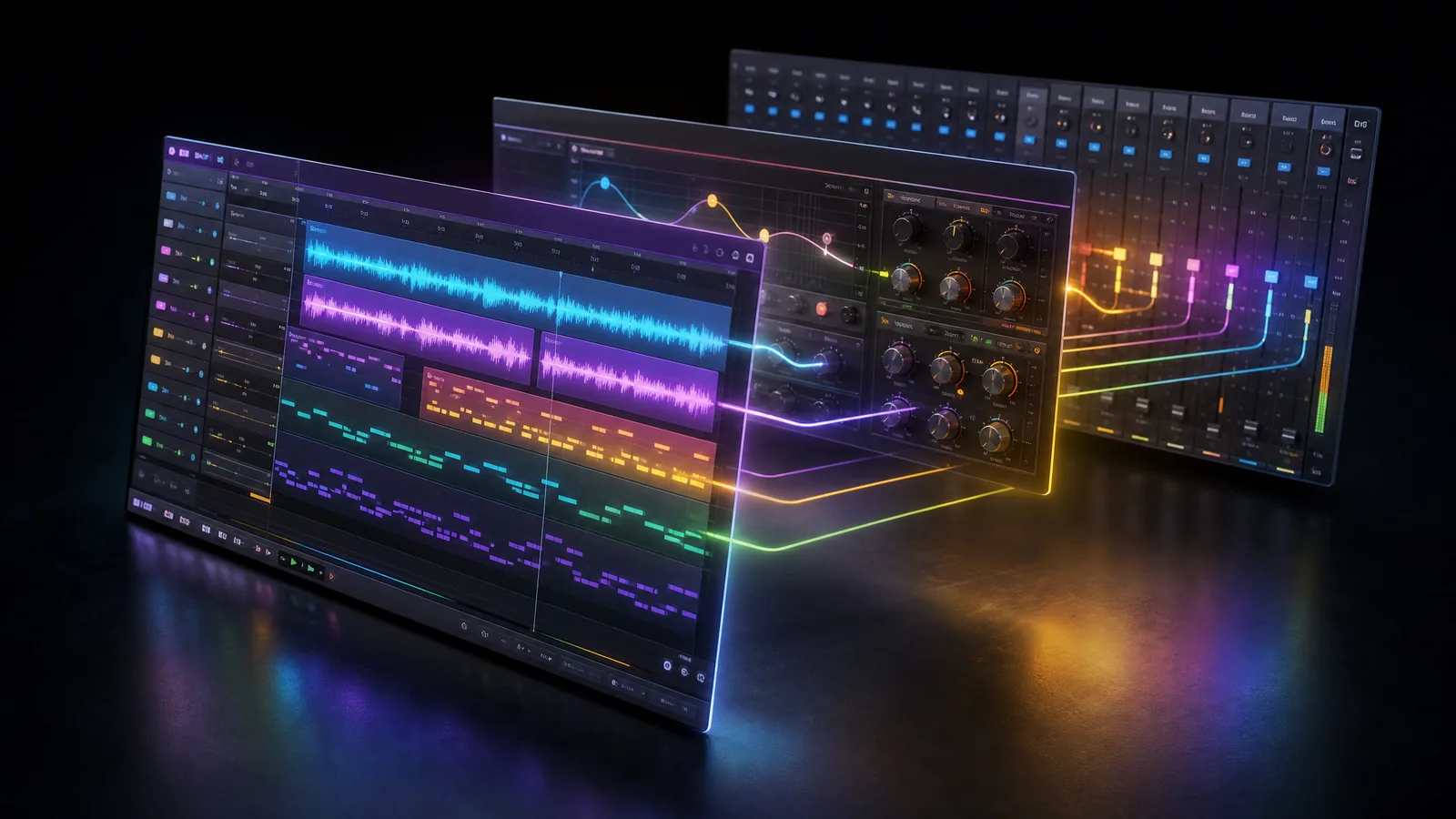
Every DAW arranges the same parts differently: a timeline of tracks, a transport, a mixer, and slots where instruments and effects plug in.
1. Recording audio
Capture vocals, guitars, drums — anything a microphone or cable can reach — onto separate tracks. Because each source gets its own track, you can record a part fifty times, keep the best take, and change your mind later without touching anything else.
What it's for: multitrack recording, comping several takes into one perfect performance, and overdubbing new parts against what you've already got.
2. Editing
Cut, move, trim, duplicate, fade, time-stretch, and tune what you've recorded. It's non-destructive, meaning your original file is never harmed — and there's unlimited undo, which is the quiet superpower of the whole format.
What it's for: tightening timing, removing breaths and noise, rearranging a song structure by dragging blocks, and fixing a flat note without re-recording.
3. MIDI and virtual instruments
Record and edit MIDI — performance data describing which notes were played, when, and how hard — then play it back through software instruments. Because MIDI stores notes rather than sound, you can fix a wrong note, change the key, or swap a piano for a synth long after you played the part.
What it's for: writing drum patterns, basslines, and chords from a keyboard or by drawing notes in, and auditioning entirely different instruments over the same performance.
4. Effects and plug-ins
Add EQ, compression, reverb, delay, saturation, and anything else through plug-ins that load inside the DAW. Steinberg's Virtual Studio Technology (VST) format, introduced in 1996, let software model a whole mixing desk and effects rack — and the industry followed almost immediately.
What it's for: shaping tone, controlling dynamics, and adding space — replacing thousands of dollars of rackmount hardware with software that recalls perfectly every time you open the project.
5. Mixing
Every DAW includes a virtual mixing desk: a channel strip per track with a fader, pan control, EQ, and effect sends. This is where the separate parts become one balanced piece of music instead of a pile of competing sounds.
What it's for: setting levels and panning, carving space so instruments don't fight, and routing groups of tracks through shared processing.
6. Automation and export
Automation records parameter changes over time — a fader rising through a chorus, a filter opening across eight bars — drawn as editable curves. When everything's done, the DAW bounces the whole arrangement down to a single stereo file.
What it's for: adding movement and dynamics that a static mix can't have, then exporting a finished WAV or MP3 ready for mastering and release.
Why the DAW changed music
The DAW mattered because it collapsed a professional studio into software that runs on an ordinary computer — and made every action reversible. The first system generally regarded as a DAW appeared in 1978, built around a minicomputer. By 1991 Pro Tools was pulling studios into the digital world, and by 1996 a single Mac could play back dozens of audio tracks with no external hardware at all.
What that shift really removed was risk. On tape, recording over a take destroyed it, and an edit meant physically cutting the reel with a razor blade. Every decision was permanent, so every decision was expensive. In a DAW, nothing is permanent.
The most underrated feature in music software is undo. Analogue recording never had it. Being able to try a bad idea and erase it in a keystroke is what turned recording from a careful, costly performance into something you can experiment your way through.
That's also why the barrier to entry collapsed. The equipment that once required a commercial studio and an engineer now ships as software, which is the single biggest reason bedroom producers can compete with professional releases today.
Want to see one explained on screen rather than described? Watch Cubase's beginner walkthrough, "What is a DAW? | Music Production for Beginners", for an on-screen tour of what you actually do inside one.
Common DAWs at a glance
All major DAWs do the same six core jobs — they differ in workflow, layout, and the kind of music their design favours. No DAW can make music a different one can't. What changes is how quickly you get from idea to finished track in it. Here's what each is commonly known for.
| DAW | Commonly used for | Workflow character |
|---|---|---|
| Ableton Live | Electronic music, live performance | Clip and loop based, fast for jamming ideas |
| FL Studio | Hip-hop, beat making, EDM | Pattern and step sequencer driven |
| Logic Pro | All-round production on Mac | Linear timeline with a large stock library |
| Pro Tools | Studio recording, post-production | Deep audio editing, long-standing studio standard |
| GarageBand | First steps, sketching ideas | Simplified, free on Apple devices |
| Reaper | Recording and mixing on any budget | Lightweight and heavily customisable |
| Cubase | Composing, scoring, and MIDI work | Linear with strong MIDI and notation tools |
The split worth noticing is loop-based versus linear. Loop and pattern DAWs are built for repeating musical blocks you stack and vary, which suits electronic and beat-driven music. Linear DAWs are built around a timeline that runs start to finish, which suits recording bands, vocals, and podcasts. Most modern DAWs can do both — but each one is faster at what it was designed for.
How to choose your first DAW
Choose a DAW by matching it to the music you actually want to make, then commit — the specific program matters far less than how well you know it. Beginners lose months comparing feature lists. These four steps skip that.
- Start with what you make. Beats, electronic, and sample-based music point toward a loop or pattern DAW. Recording vocals, a band, or a podcast points toward a linear timeline DAW. This one question narrows the field more than anything else.
- Check your computer and your budget. Confirm it runs on your operating system — some are Mac-only — and start with a free version, free tier, or trial. There's no reason to pay before you know a workflow suits you.
- Try the workflow, not the feature list. Install two or three and try to finish one short idea in each. The one where you get furthest before feeling frustrated is your answer. Feature comparisons can't tell you this; twenty minutes of use can.
- Commit and go deep. Pick one and stay long enough to learn its shortcuts by muscle memory. Fluency in a "worse" DAW beats confusion in a better one, every time. Switching later is easy — the concepts all transfer.
The most useful first question isn't which DAW is best — it's whether your music is built from loops or recorded start to finish.
The honest truth about DAW choice: every song you love was made in one of these, and several were made in the one you're worried isn't good enough. The DAW is not the bottleneck. Fluency is.
DAW vs plug-in vs audio editor
A DAW hosts a whole multitrack project; a plug-in is a tool that runs inside it; an audio editor works on a single file. These three get mixed up constantly, and the confusion sends beginners shopping for the wrong thing.
| Tool | What it is | Typical use |
|---|---|---|
| DAW | The host program holding your entire project | Record, arrange, mix, and export a full song |
| Plug-in | An instrument or effect that loads inside a DAW | A synth, a reverb, or a compressor on one track |
| Audio editor | A tool for working on one audio file at a time | Trimming a clip or cleaning up a single recording |
| AI music generator | A tool that produces finished music from a prompt | Getting a complete song without building it track by track |
The analogy that settles it: the DAW is the studio, and plug-ins are the instruments and effect units inside it. You can't run a plug-in without a host, and a studio with no gear in it doesn't make much noise either. An audio editor, meanwhile, is a workbench for one item — useful, but not where songs get built.
Getting started without drowning
The first week in a DAW is overwhelming for everyone. This is the shortest path from "installed" to "finished something."
- Finish one short thing first. A 30-second loop you actually complete teaches you more than a masterpiece you abandon at bar 16.
- Learn five shortcuts, not fifty. Play/stop, record, split, undo, and duplicate will cover most of what you do all day.
- Set your tempo before you build. Getting the BPM right at the start means every loop, sample, and part lines up from bar one.
- Use the stock plug-ins. The instruments and effects included with your DAW are far better than beginners assume — and buying more won't fix an unfinished arrangement.
- Keep track counts low at first. Four good parts beat twenty competing ones, and a small project is much easier to mix.
- Save versions as you go. Save a new file at each big change so you can always go back to the version that felt right.
- Learn the routing basics early. Understanding input, output, and bus routing removes most of the "why can't I hear anything?" moments.
- Export often. Bouncing a rough mix and listening on your phone or in the car reveals problems the studio speakers hide.
Where MuseGen fits
Here's the honest framing: MuseGen is not a DAW, and it isn't trying to be one. A DAW is where you build a song piece by piece with complete manual control. MuseGen is an all-in-one AI creation tool that goes the other direction — you describe what you want and get a complete song back. They solve different problems, and plenty of people use both.
Where MuseGen is genuinely useful alongside a DAW is speed of ideas. You can write a structured lyric, turn the idea into a complete song, and hear a finished arrangement in minutes rather than spending an evening programming drums to find out whether the concept even works. Finished tracks export as royalty-free WAV or MP3 (always check MuseGen's current terms before commercial use), and you can create a music video once the song lands.
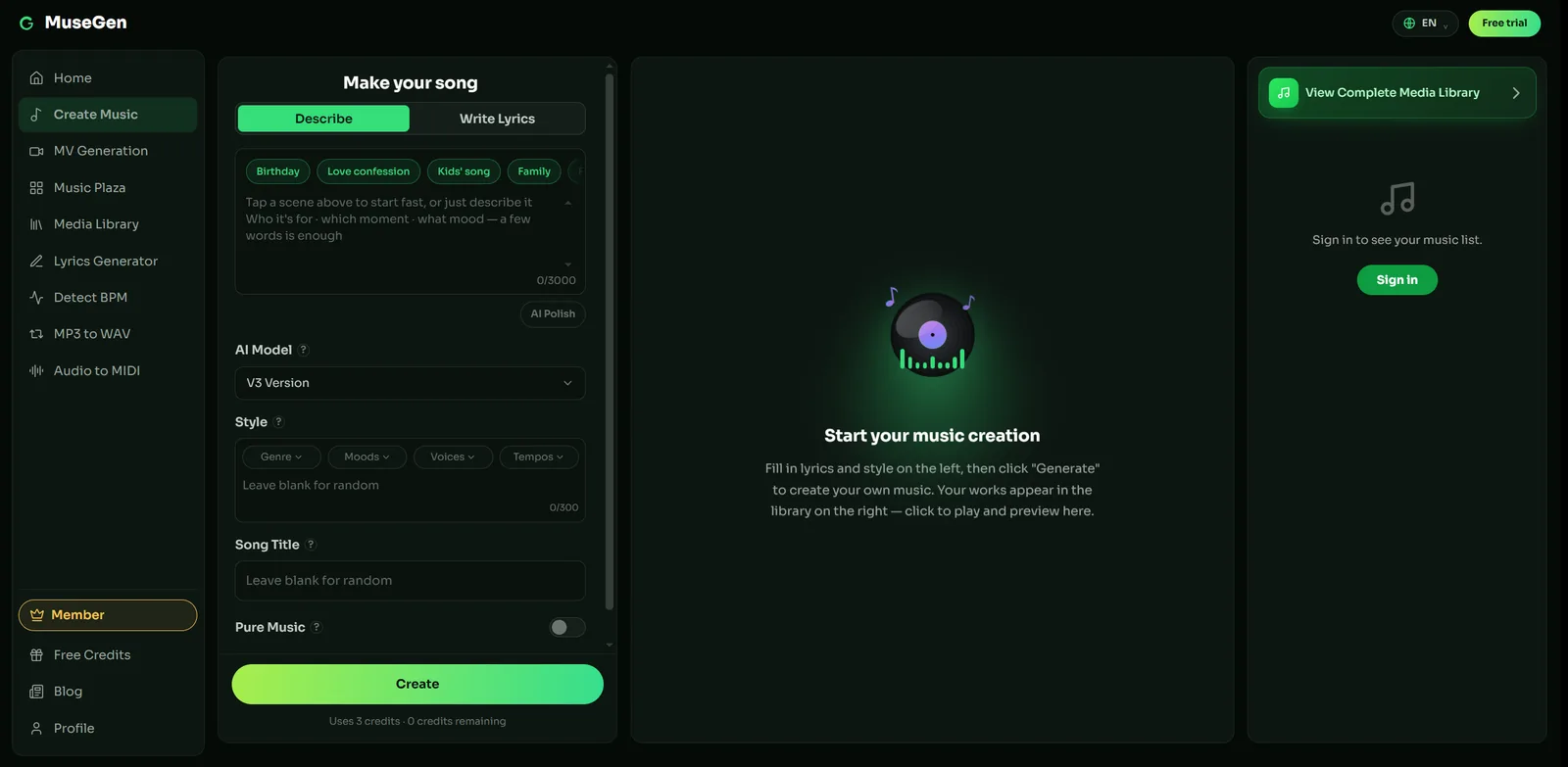
Describe the song and get a finished arrangement back.
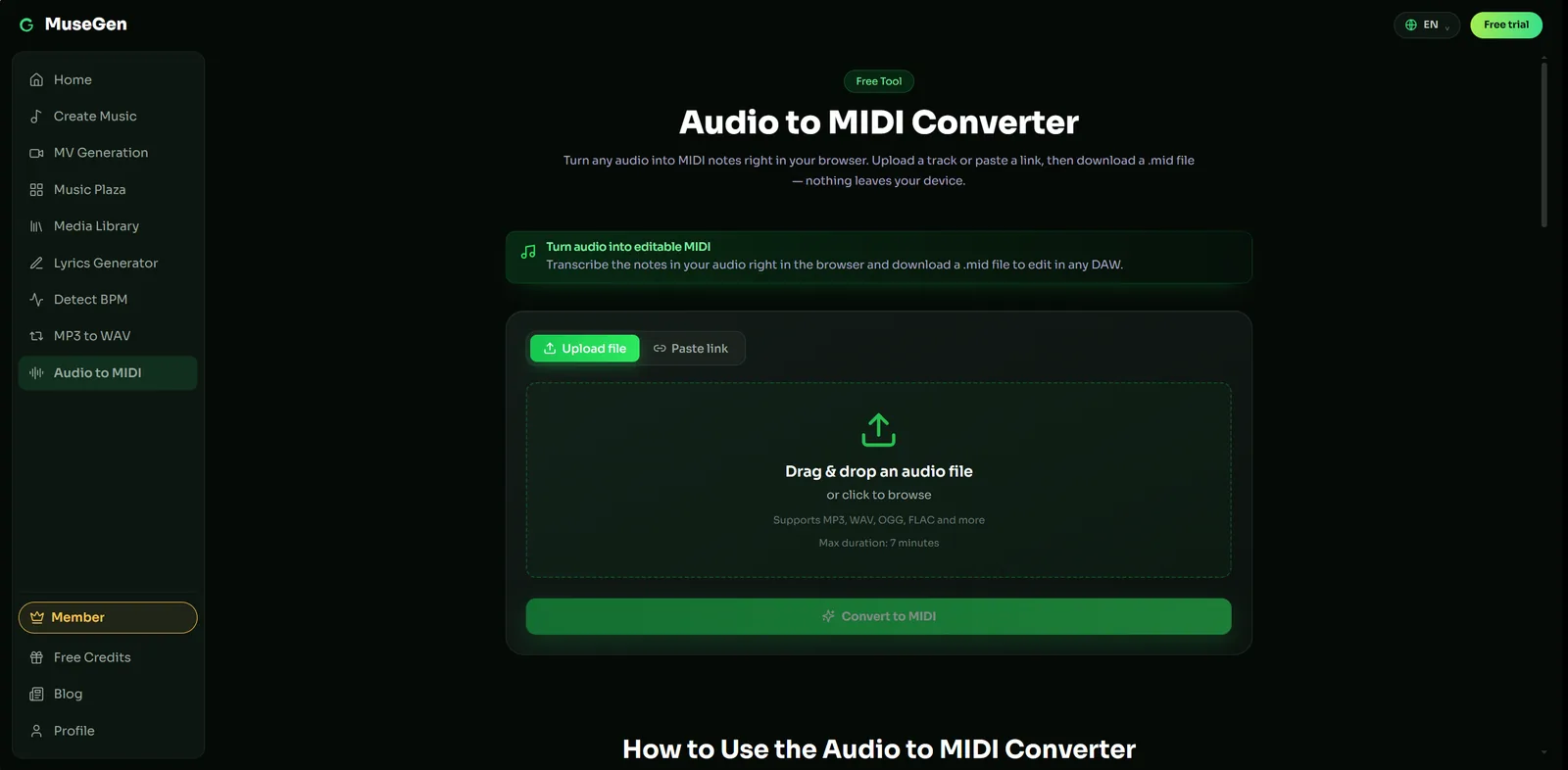
Export a .mid file you can open in any DAW.
A few MuseGen tools also sit naturally next to DAW work: you can detect a song's BPM before setting your project tempo, turn audio into MIDI and download a .mid file you can open in any DAW, or convert an MP3 to WAV when you need a lossless file. Full stem and multitrack export for importing generated songs into a DAW is coming soon.
So the two aren't rivals. Learning a DAW gives you control that no generator can replace — and that's worth doing. MuseGen just removes the wait between having an idea and hearing whether it's any good.
Hear the idea before you build it. Draft the lyrics, generate a complete song, and find out in minutes whether the concept works. → Make a song with MuseGen
FAQ
What is a DAW in music?
A DAW, or digital audio workstation, is software used for recording, editing, and producing audio. It's the central program where a modern song is built: you record or import sound onto separate tracks, arrange and edit them on a timeline, add virtual instruments and effects, mix everything together, and export a finished stereo file.
What does DAW stand for?
DAW stands for digital audio workstation. It's usually pronounced as a single word that rhymes with "saw." The term originally covered dedicated hardware systems as well, but today it almost always means music production software running on a computer, phone, or tablet.
Do I need a DAW to make music?
If you want to record, arrange, and mix your own multitrack music, then yes — a DAW is the standard tool for the job. You can make music without one using hardware such as grooveboxes and standalone recorders, or by generating songs with an AI music tool, but almost anything produced on a computer passes through a DAW at some point.
What is the best DAW for beginners?
There's no single best DAW, because they all do the same core jobs and the right one depends on the music you make. Beat-driven and electronic producers often start with a loop or pattern-based DAW, while people recording vocals, bands, or podcasts usually prefer a linear timeline DAW. The most practical advice is to try the free versions of two or three, then commit to whichever workflow feels most natural.
Is a DAW the same as a plug-in?
No. The DAW is the host program that holds your whole project, while plug-ins are smaller add-on tools that run inside it — a synthesiser, a reverb, or a compressor. A useful analogy is that the DAW is the studio and the plug-ins are the instruments and effect units you place inside it.
Do I need an audio interface to use a DAW?
Not always. If you only work with MIDI, virtual instruments, samples, and loops, your computer's built-in sound card is enough to get started. You need an audio interface once you want to record a microphone or a guitar properly, or when you need low-latency monitoring and higher-quality conversion.
Are there free DAWs?
Yes. Several capable DAWs are free, and many paid ones ship a limited free edition or a full-featured trial. Some computers also come with a music-making program already installed. A free DAW is more than enough to learn on, since the fundamentals of recording, arranging, and mixing transfer directly to any paid program later.
Keep reading
- What Is BPM in Music? A Beginner's Guide to Tempo & Beats Per Minute
- What Is Audio Mastering? A Clear Guide to Music's Final Step
- What Is Music Arrangement? How to Master Song Craft with AI
Sources
- Wikipedia — "Digital audio workstation" for the definition, components, and history.
- Wikipedia — "MIDI" for the protocol behind note and performance data.
- Wikipedia — "Virtual Studio Technology" for the VST plug-in format.
- Cubase — "What is a DAW? | Music Production for Beginners" (video) for a beginner introduction to digital audio workstations.